The Sparkline Widget
The sparkline widget renders compact inline charts perfect for dashboards and status displays. It shows data trends in minimal space, with support for color-coded bars based on thresholds.
Interface
use super::{Style, Tui};
type RenderDirection = [
  `LeftToRight,
  `RightToLeft
];

type SparklineBar = {
  style: [Style, null],
  value: [f64, null]
};

val sparkline_bar: fn(
  ?#style: [Style, null],
  value: [f64, null]
) -> SparklineBar;

type Sparkline = {
  absent_value_style: &[Style, null],
  absent_value_symbol: &[string, null],
  data: &Array<[SparklineBar, f64, null]>,
  direction: &[RenderDirection, null],
  max: &[f64, null],
  style: &[Style, null]
};

val sparkline: fn(
  ?#absent_value_style: &[Style, null],
  ?#absent_value_symbol: &[string, null],
  ?#direction: &[RenderDirection, null],
  ?#max: &[f64, null],
  ?#style: &[Style, null],
  data: &Array<[SparklineBar, f64, null]>
) -> Tui;
Parameters
sparkline
- max - Maximum value for scaling (auto-scales if not specified)
- style - Default style for bars
- direction -
LeftToRight(default) orRightToLeft
sparkline_bar
- style - Style for this specific bar
Examples
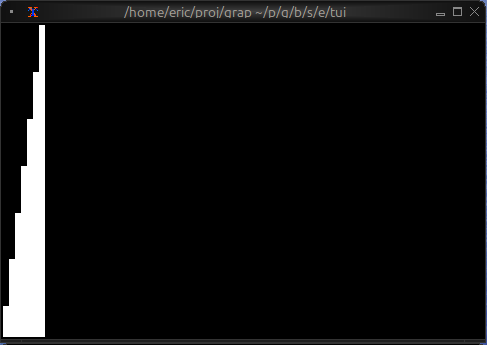
Basic Usage
use tui::sparkline::sparkline;

let data = [10.0, 25.0, 40.0, 55.0, 70.0, 85.0, 100.0];

sparkline(#max: &100.0, &data)
Threshold-based Coloring
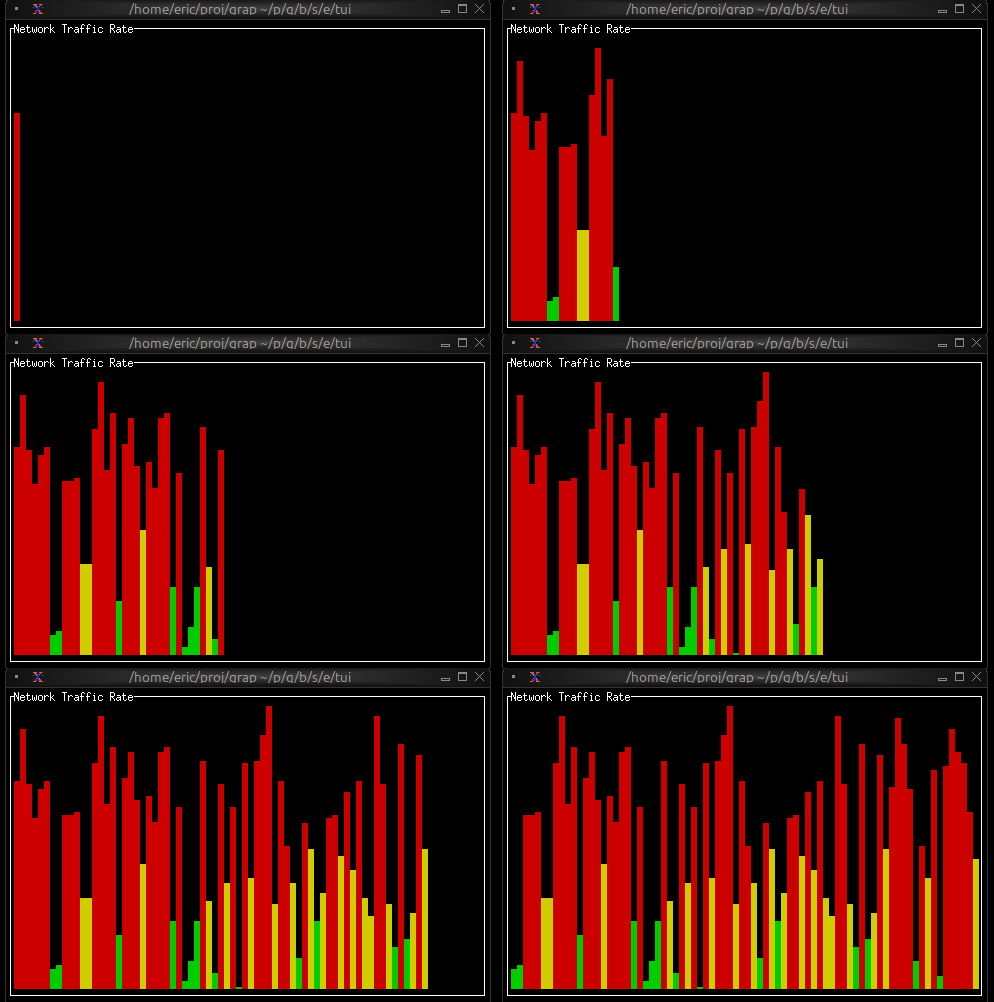
use tui::{line, style, block::block, sparkline::{sparkline, sparkline_bar}};

let data = {
    let clock = sys::time::timer(duration:0.3s, true);
    let v = rand::rand(#clock, #start:0., #end:100.);
    let d = [];
    let color = select v {
        v if v <= 25. => `Green,
        v if v <= 50. => `Yellow,
        _ => `Red
    };
    let v = sparkline_bar(#style: style(#fg: color), v);
    d <- array::window(#n:80, clock ~ d, v);
    d
};

block(
    #border: &`All,
    #title: &line("Network Traffic Rate"),
    &sparkline(
        #style: &style(#fg: `Green),
        #max: &100.0,
        &data
    )
)
Multi-metric Dashboard
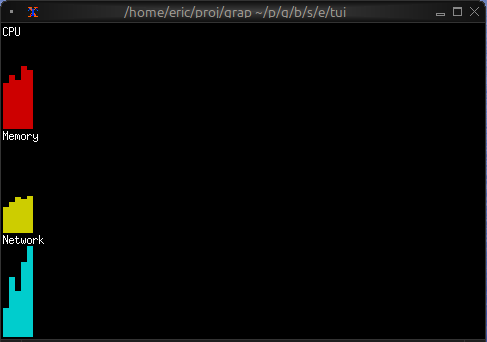
use tui::{line, style, block::block, layout::{child, layout}, sparkline::sparkline};

let cpu_data = [50., 60., 55., 70., 65.];
let mem_data = [30., 35., 40., 38., 42.];
let net_data = [10., 20., 15., 25., 30.];

layout(
    #direction: &`Vertical,
    &[
        child(#constraint: `Percentage(33), block(
            #title: &line("CPU"),
            &sparkline(#style: &style(#fg: `Red), #max: &100.0, &cpu_data)
        )),
        child(#constraint: `Percentage(33), block(
            #title: &line("Memory"),
            &sparkline(#style: &style(#fg: `Yellow), #max: &100.0, &mem_data)
        )),
        child(#constraint: `Percentage(33), block(
            #title: &line("Network"),
            &sparkline(#style: &style(#fg: `Cyan), &net_data)
        ))
    ]
)
Sparkline from Netidx
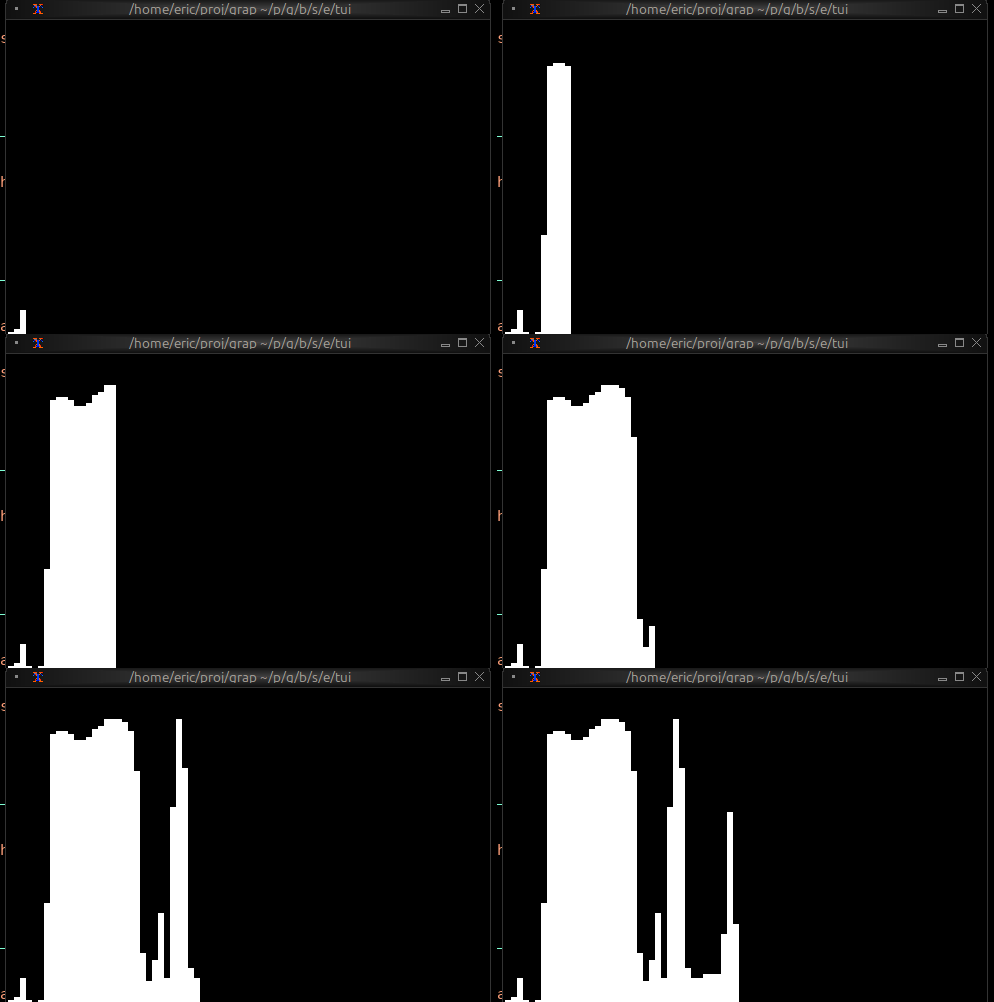
This example is self-contained: it both publishes and subscribes to a
simulated CPU value over netidx, so you can run it without any
external publisher. Drop the publish call and point the subscribe at
a real path to chart live data instead — for example, the output of:
top -b | \
grep --line-buffered Cpu | \
awk '{ printf("/local/metrics/cpu|f64|%s\n", 100 - $8); fflush() }' | \
netidx publisher
use tui::sparkline::sparkline;
use core::math;
use sys::time;

// Self-contained: publish a simulated CPU value once a second, then
// subscribe to it for a rolling 60-sample sparkline. Drop the
// publish to point the chart at any other publisher.
let tick = time::timer(duration:1.s, true);
let t = cast<f64>(count(tick))$;
let cpu_source = 50.0;
cpu_source <- tick ~ 50.0 + 40.0 * math::sin(t / 7.0);
sys::net::publish("/local/graphix/sparkline_rolling/cpu", cpu_source);

let data: Array<f64> = [];
let new_value: f64 = sys::net::subscribe("/local/graphix/sparkline_rolling/cpu")$;

data <- array::window(
    #n: 60,
    new_value ~ data,
    new_value
);

sparkline(#max: &100.0, &data)
Use Cases
Sparklines are ideal for:
- System resource monitoring (CPU, memory, network)
- Real-time metrics dashboards
- Compact data visualization in lists or tables
- Rate of change visualization