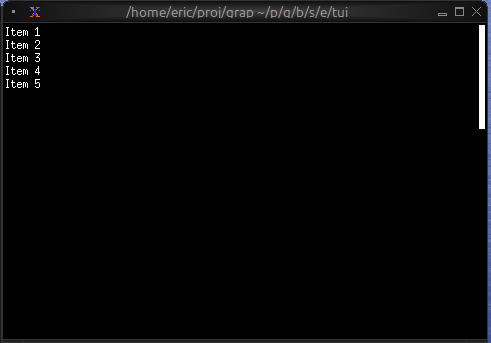
The Scrollbar Widget
The scrollbar widget adds a visual scrollbar indicator to scrollable content, making it clear when content extends beyond the visible area and showing the current scroll position.
Interface
use super::{Size, Style, Tui};
type ScrollbarOrientation = [
  `VerticalRight,
  `VerticalLeft,
  `HorizontalBottom,
  `HorizontalTop
];

type Scrollbar = {
  begin_style: &[Style, null],
  begin_symbol: &[string, null],
  child: &Tui,
  content_length: &[i64, null],
  end_style: &[Style, null],
  end_symbol: &[string, null],
  orientation: &[ScrollbarOrientation, null],
  position: &[i64, null],
  size: [&mut Size, null],
  style: &[Style, null],
  thumb_style: &[Style, null],
  thumb_symbol: &[string, null],
  track_style: &[Style, null],
  track_symbol: &[string, null],
  viewport_length: &[i64, null]
};

val scrollbar: fn(
  ?#begin_style: &[Style, null],
  ?#begin_symbol: &[string, null],
  ?#content_length: &[i64, null],
  ?#end_style: &[Style, null],
  ?#end_symbol: &[string, null],
  ?#orientation: &[ScrollbarOrientation, null],
  ?#position: &[i64, null],
  ?#size: [&mut Size, null],
  ?#style: &[Style, null],
  ?#thumb_style: &[Style, null],
  ?#thumb_symbol: &[string, null],
  ?#track_style: &[Style, null],
  ?#track_symbol: &[string, null],
  ?#viewport_length: &[i64, null],
  child: &Tui
) -> Tui;
Parameters
- position - Current scroll position, typically the Y offset (default: 0)
- content_length - The number of scroll positions in the content; nothing measures the child, so a scrollbar without one draws no bar (default: 0)
- viewport_length - How many positions the view shows at once, which sizes the thumb (default: the bar’s own length)
- begin_symbol, end_symbol - The arrows at each end; null, the default, draws none
- track_symbol - The track the thumb runs along; null, the default, draws none
- thumb_symbol - The thumb; null, the default, keeps ratatui’s own
- size (output) - Rendered size of the scrollbar area; pass
&mut sizewheresize: tui::Size
Examples
Basic Usage
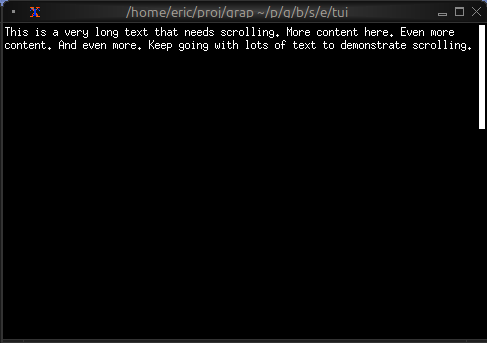
use tui::{line, paragraph::paragraph, scrollbar::scrollbar};

let lines = array::init(50, |i| line("Line [i]"));
let position = 0;
let content = paragraph(
    #scroll: &{x: 0, y: position},
    &lines
);

scrollbar(
    #position: &position,
    #content_length: &array::len(lines),
    &content
)
Scrollable Paragraph
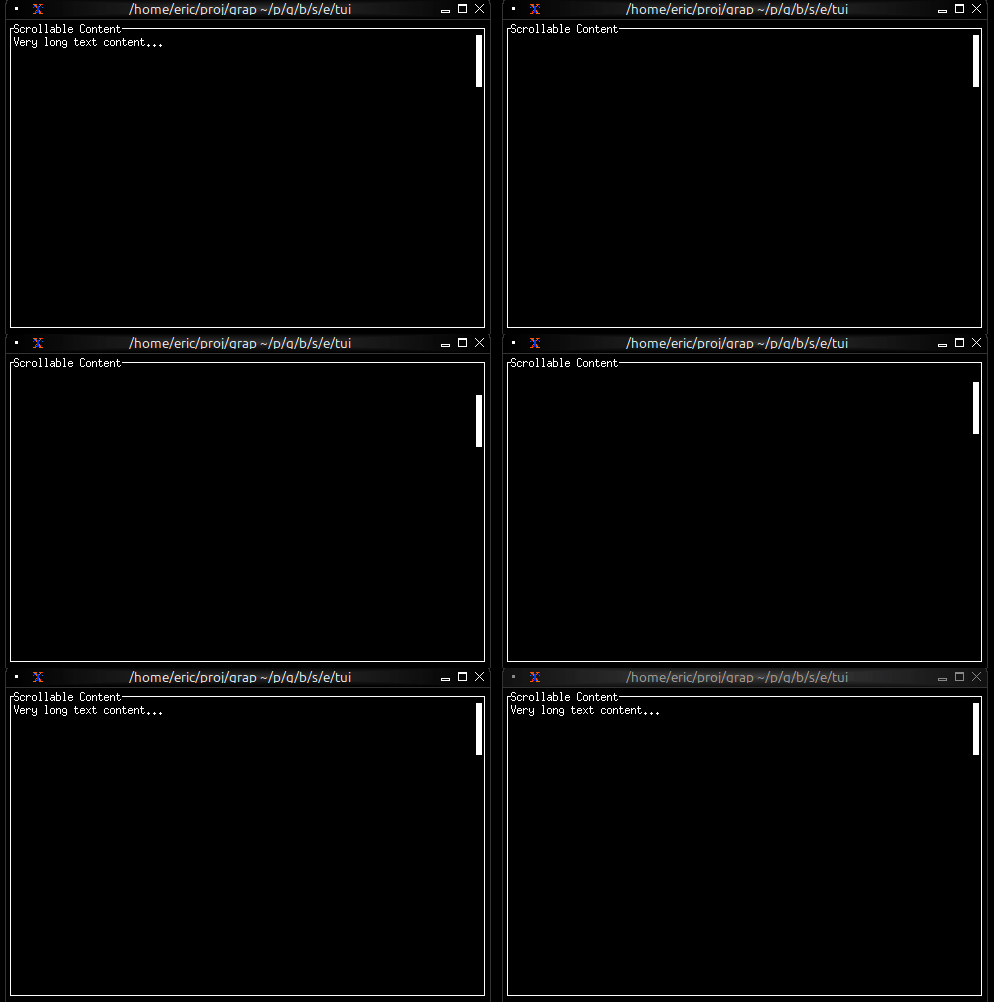
use tui::{
line,
block::block,
input_handler::{Event, input_handler, on_press},
paragraph::paragraph,
scrollbar::scrollbar
};
let lines = array::init(100, |i| line("Line [i + 1]"));
let position = 0;
let max_position = array::len(lines) - 1;
let handle_event = |e: Event| on_press(e, |k| select k.code {
k@`Up if position > 0 => {
position <- (k ~ position) - 1;
`Stop
},
k@`Down if position < max_position => {
position <- (k ~ position) + 1;
`Stop
},
k@`PageUp if position > 0 => {
position <- max(0, (k ~ position) - 10);
`Stop
},
k@`PageDown if position < max_position => {
position <- min(max_position, (k ~ position) + 10);
`Stop
},
k@`Home => { position <- k ~ 0; `Stop },
k@`End => { position <- k ~ max_position; `Stop },
_ => `Continue
});
input_handler(
#handle: &handle_event,
&block(
#border: &`All,
#title: &line("Scrollable Content"),
&scrollbar(
#position: &position,
#content_length: &array::len(lines),
¶graph(#scroll: &{x: 0, y: position}, &lines)
)
)
)
Scrollable List
use tui::{
  Size, line, style,
  input_handler::{Event, input_handler, on_press},
  list::list,
  scrollbar::scrollbar
};

let items = array::init(30, |i| line("Item [i + 1]"));
let last = array::len(items) - 1;
let selected = 0;
let scroll_pos = 0;
let size: Size = never();
let visible = size.height;

// Auto-scroll to keep selection visible
scroll_pos <- select selected {
    s if s < scroll_pos => s,
    s if s >= (scroll_pos + visible) => s - visible + 1,
    _ => never()
};

let handle_event = |e: Event| on_press(e, |k| select k.code {
    k@`Up if selected > 0 => {
        selected <- (k ~ selected) - 1;
        `Stop
    },
    k@`Down if selected < last => {
        selected <- (k ~ selected) + 1;
        `Stop
    },
    _ => `Continue
});

input_handler(
    #handle: &handle_event,
    &scrollbar(
        #position: &scroll_pos,
        #content_length: &array::len(items),
        #viewport_length: &visible,
        #size: &mut size,
        &list(
            #highlight_style: &style(#fg: `Black, #bg: `Yellow),
            #scroll: &scroll_pos,
            #selected: &selected,
            &items
        )
    )
)