The Gauge Widget
The gauge widget displays a single value as a filled progress indicator, perfect for showing percentages, completion status, or resource usage. It provides a clear visual representation of how full or complete something is.
Interface
use super::{Span, Style, Tui};
type Gauge = {
  gauge_style: &[Style, null],
  label: &[Span, null],
  ratio: &f64,
  style: &[Style, null],
  use_unicode: &[bool, null]
};

val gauge: fn(
  ?#gauge_style: &[Style, null],
  ?#label: &[Span, null],
  ?#style: &[Style, null],
  ?#use_unicode: &[bool, null],
  ratio: &f64
) -> Tui;
Parameters
- gauge_style - Style for the filled portion
- label - A
Spandisplayed in the center - use_unicode - Use Unicode block characters for smoother rendering
- style - Style for the unfilled portion
- ratio (positional) - The filled fraction, from 0.0 to 1.0; a value outside that range is clamped, with a logged warning
Examples
Basic Usage
use tui::{style, gauge::gauge};

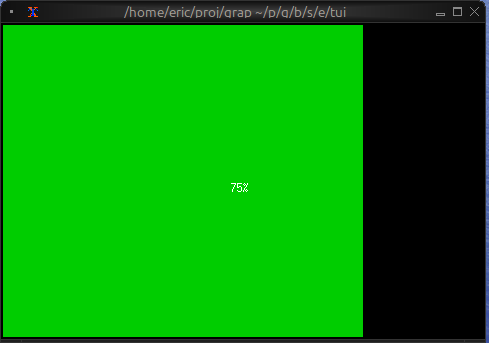
// 75%
let progress = 0.75;

gauge(
    #gauge_style: &style(#fg: `Green),
    &progress
)
Progress with Color Thresholds
use tui::{line, span, style, block::block, gauge::gauge};

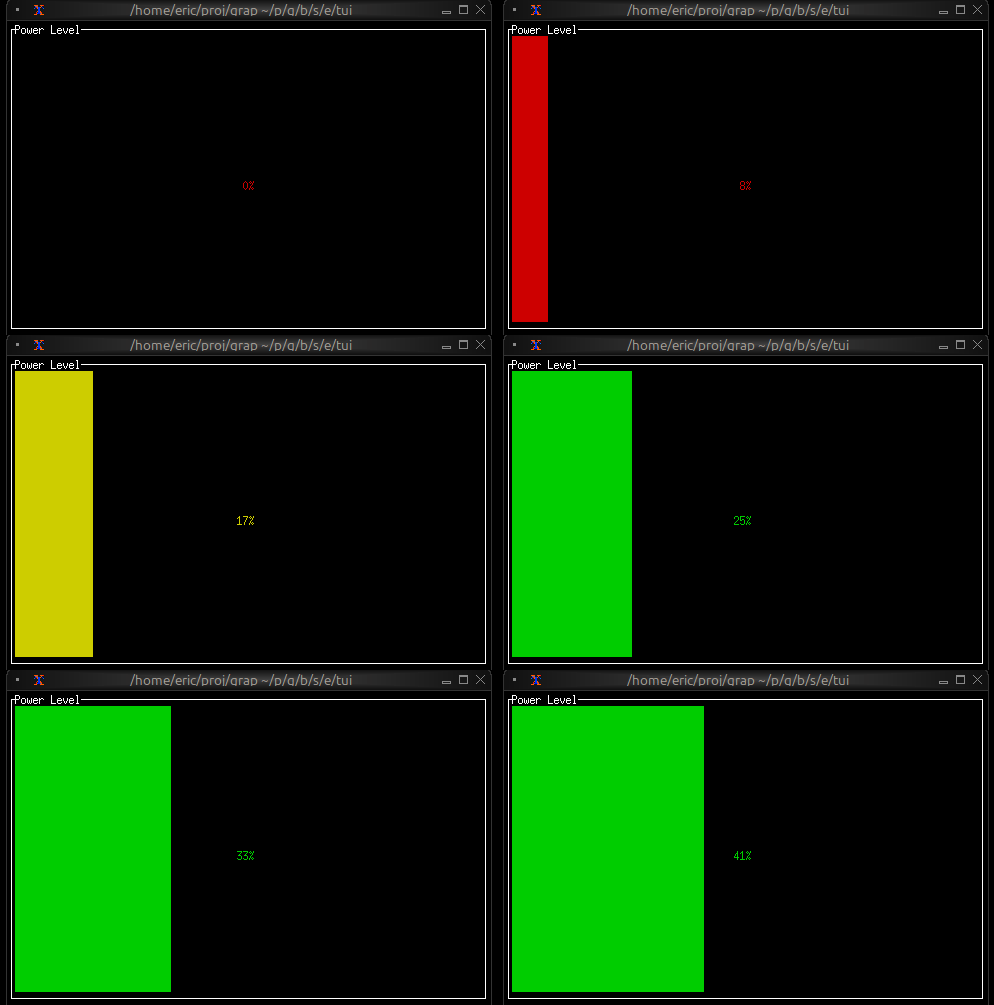
let percentage = min(100, count(sys::time::timer(0.5, true)));
let power = cast<f64>(percentage)$ / 100.0;

let color = select power {
    x if x < 0.10 => `Red,
    x if x < 0.25 => `Yellow,
    x => `Green
};

block(
    #border: &`All,
    #title: &line("Power Level"),
    &gauge(
        #gauge_style: &style(#fg: color),
        #label: &span("[percentage]%"),
        &power
    )
)
Resource Usage
use tui::{span, style, gauge::gauge};

// memory amounts, in GB
let used_memory = 6.5;
let total_memory = 16.0;
let usage_ratio = used_memory / total_memory;

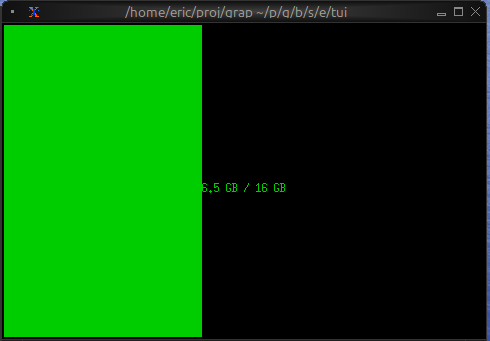
let color = select usage_ratio {
    x if x > 0.9 => `Red,
    x if x > 0.7 => `Yellow,
    _ => `Green
};

gauge(
    #gauge_style: &style(#fg: color),
    #label: &span("[used_memory] GB / [total_memory] GB"),
    &usage_ratio
)