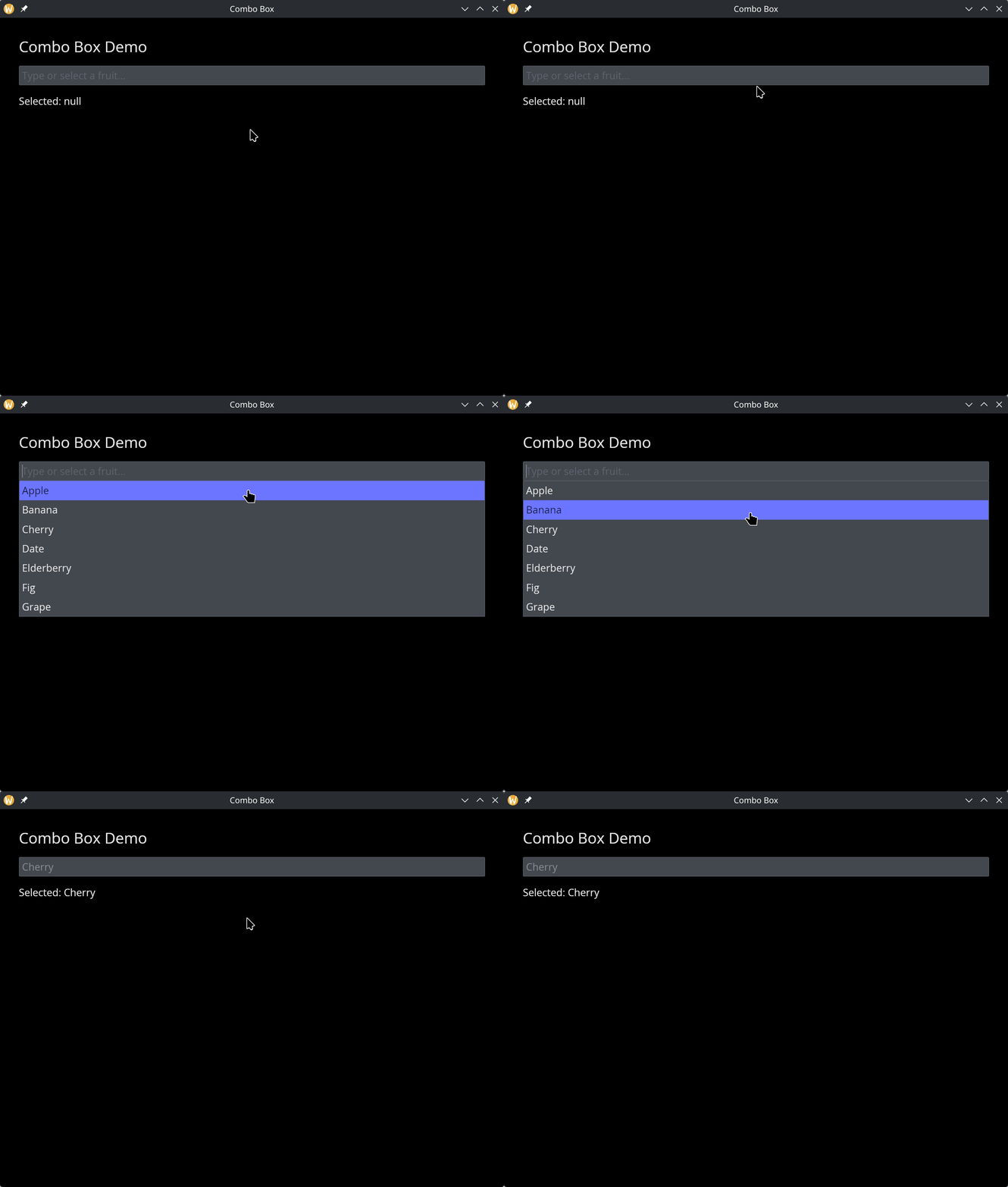
The Combo Box Widget
A searchable dropdown that combines a text input with a dropdown list. As the user types, the options are filtered to match. This is useful when the list of options is long and the user needs to find a specific item quickly.
Interface
use super::{Length, Widget};
type ComboBox = {
  disabled: &bool,
  on_select: &[fn(s: string) -> Any, null],
  options: &Array<string>,
  selected: &[string, null],
  placeholder: &string,
  width: &Length
};

val combo_box: fn(
  ?#selected: &[string, null],
  ?#on_select: [fn(s: string) -> Any, null],
  ?#placeholder: &string,
  ?#width: &Length,
  ?#disabled: &bool,
  options: &Array<string>
) -> Widget
Parameters
#selected– Reference to the currently selected value, ornullif nothing is selected.#on_select– Callback invoked when the user selects an item from the filtered list. Receives the selected string.#placeholder– Placeholder text shown in the input field when nothing is selected. Defaults to"Type to search...".#width– Width of the widget. AcceptsLengthvalues.#disabled– Whentrue, the combo box cannot be interacted with. Defaults tofalse.- positional
&Array<string>– Reference to the full list of options. The combo box filters this list as the user types.
Examples
use gui::{window, column::column, combo_box::combo_box, text::text};
mod icon;

let selected: [string, null] = null;

let col = column(
    #spacing: &15.0,
    #padding: &`All(30.0),
    #width: &`Fill,
    &[
        text(#size: &24.0, &"Combo Box Demo"),
        combo_box(
            #selected: &selected,
            #on_select: |v| selected <- v,
            #placeholder: &"Type or select a fruit...",
            &["Apple", "Banana", "Cherry", "Date", "Elderberry", "Fig", "Grape"]
        ),
        text(&"Selected: [selected]")
    ]
);

[&window(#icon: &icon::icon, #title: &"Combo Box", &col)]