The Image Widget
The image widget displays raster images from files, raw bytes or pixel buffers, and SVG images from files or inline XML, with sizing and content fitting controls.
Interface
use super::{ContentFit, ImageSource, Length, Widget};
type Image = {
  source: &ImageSource,
  width: &Length,
  height: &Length,
  content_fit: &ContentFit
};

val image: fn(
  ?#width: &Length,
  ?#height: &Length,
  ?#content_fit: &ContentFit,
  source: &ImageSource
) -> Widget
Parameters
The labeled arguments:
- width - Horizontal sizing as a
Length. Defaults to`Shrink. - height - Vertical sizing as a
Length. Defaults to`Shrink. - content_fit - Controls how the content is scaled to fill the available space:
`Fill– Stretch to fill the entire area, ignoring aspect ratio.`Contain– Scale uniformly to fit within the area, preserving aspect ratio. May leave empty space.`Cover– Scale uniformly to cover the entire area, preserving aspect ratio. May crop content.`None– Display at the original size with no scaling.`ScaleDown– Like`Containbut only scales down, never up.
Image Sources
The image widget accepts an ImageSource union:
- string – A file path to a PNG, JPEG, BMP, GIF, or other supported image format, or to an
.svgor.svgzfile. The path is relative to the working directory. `Svg(string)– Inline SVG XML.`Bytes(bytes)– Raw image file bytes (e.g. the contents of a PNG file loaded withsys::fs::read_all_bin). Useful when image data comes from a network source or is embedded in the program. Bytes literals use thebytes:<base64>syntax.`Rgba({width, height, pixels})– A raw RGBA pixel buffer. Thewidthandheightfields specify the image dimensions, andpixelsis abytesvalue containingwidth * height * 4bytes (one byte each for red, green, blue, and alpha per pixel, in row-major order).
An image delivered again with the same source keeps what it has drawn.
Examples
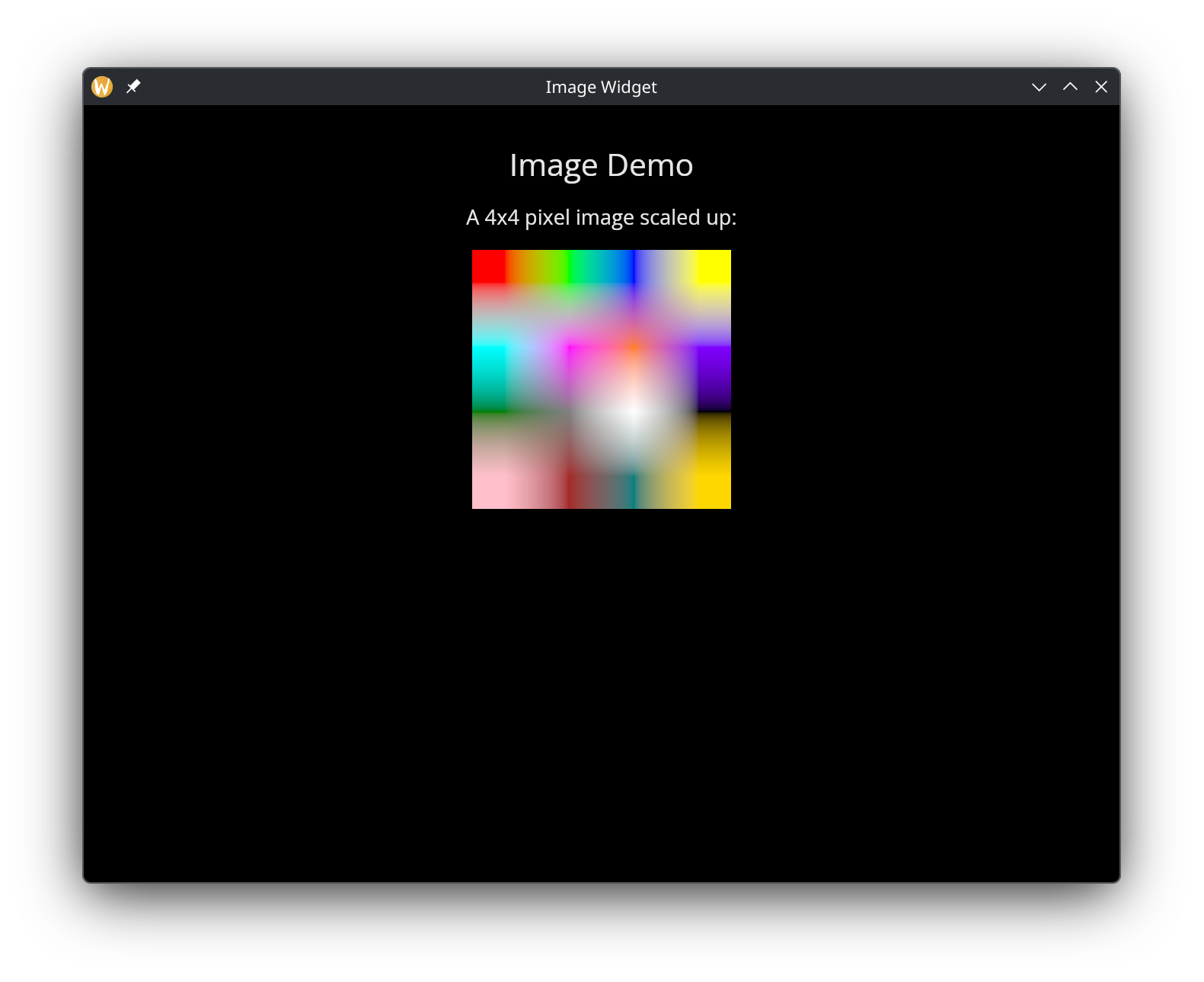
Image
use gui::{window, column::column, image::image, text::text};
mod icon;

let pixels = bytes:/wAA/wD/AP8AAP////8A/wD/////AP///4AA/4AA//8AgAD/gICA//////8AAAD//8DL/6UqKv8AgID//9cA/w==;

[&window(
    #icon: &icon::icon,
    #title: &"Image Widget",
    &column(
        #spacing: &15.0,
        #padding: &`All(30.0),
        #halign: &`Center,
        #width: &`Fill,
        #height: &`Fill,
        &[
            text(#size: &24.0, &"Image Demo"),
            text(&"A 4x4 pixel image scaled up:"),
            image(
                #width: &`Fixed(200.0),
                #height: &`Fixed(200.0),
                &`Rgba({ width: u32:4, height: u32:4, pixels: pixels })
            )
        ]
    )
)]
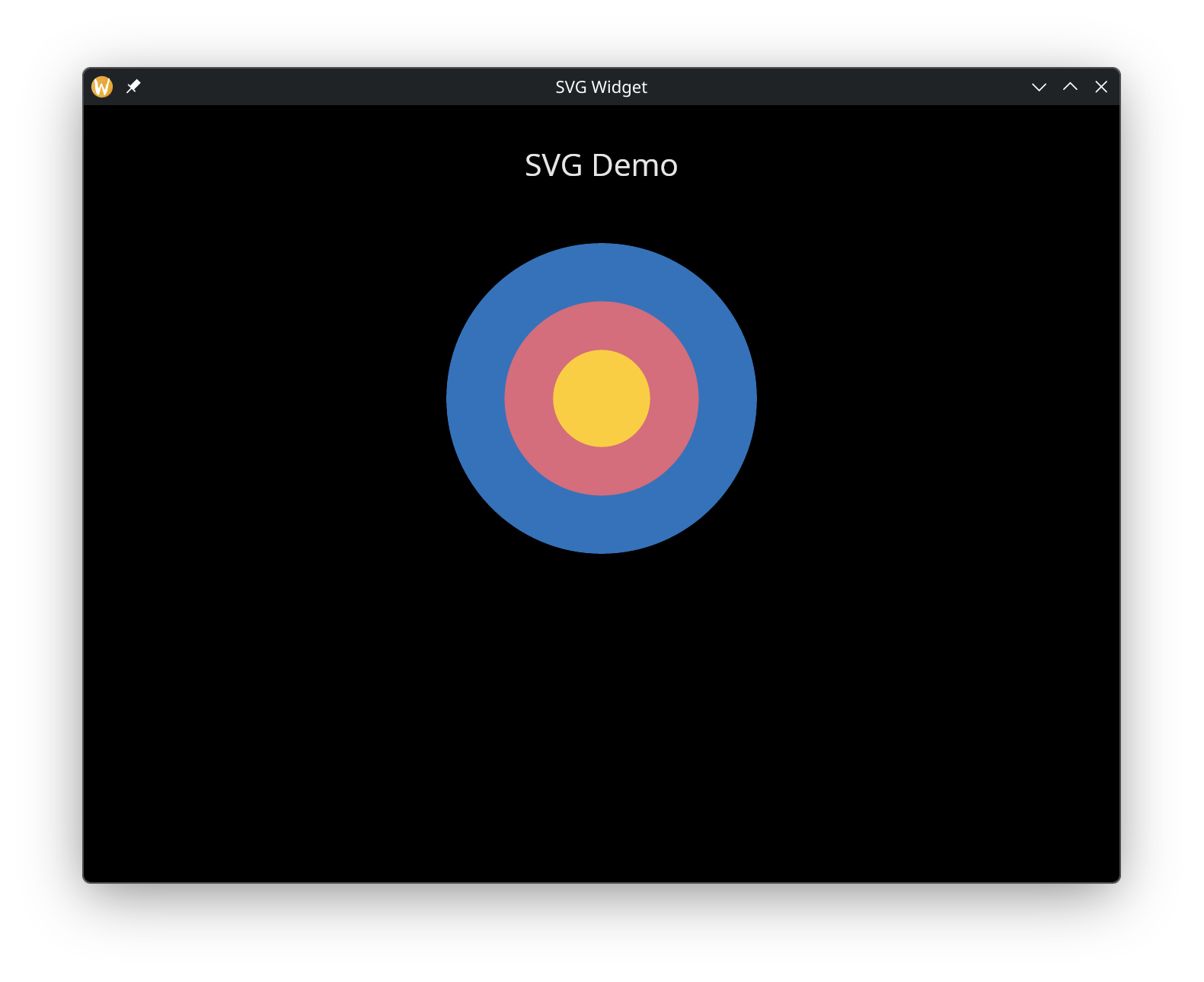
SVG
use gui::{window, column::column, image::image, text::text};
mod icon;

let svg_content = r##"<svg xmlns="http://www.w3.org/2000/svg" viewBox="0 0 200 200">
  <circle cx="100" cy="100" r="80" fill="#4a9eff" opacity="0.8"/>
  <circle cx="100" cy="100" r="50" fill="#ff6b6b" opacity="0.8"/>
  <circle cx="100" cy="100" r="25" fill="#ffd93d" opacity="0.9"/>
</svg>"##;

[&window(
    #icon: &icon::icon,
    #title: &"SVG Widget",
    &column(
        #spacing: &15.0,
        #padding: &`All(30.0),
        #halign: &`Center,
        #width: &`Fill,
        #height: &`Fill,
        &[
            text(#size: &24.0, &"SVG Demo"),
            image(
                #width: &`Fixed(300.0),
                #height: &`Fixed(300.0),
                #content_fit: &`Contain,
                &`Svg(svg_content)
            )
        ]
    )
)]