The Keyboard Area Widget
The keyboard_area widget wraps a child and captures keyboard events. Use it to build keyboard-driven interactions like shortcuts, navigation, or text handling.
Interface
use super::Widget;
type KeyEvent = {
  key: string,
  modifiers: {shift: bool, ctrl: bool, alt: bool, logo: bool},
  text: string,
  repeat: bool
};

type KeyboardArea = {
  child: &Widget,
  on_key_press: &[fn(e: KeyEvent) -> Any, null],
  on_key_release: &[fn(e: KeyEvent) -> Any, null]
};

/// A key no callback is given for goes on to an enclosing area.
val keyboard_area: fn(
  ?#on_key_press: [fn(e: KeyEvent) -> Any, null],
  ?#on_key_release: [fn(e: KeyEvent) -> Any, null],
  child: &Widget
) -> Widget
The KeyEvent Type
- key — the key name (e.g.
"a","Enter","ArrowUp") - modifiers — which modifier keys were held:
shift,ctrl,alt,logo(super/command) - text — the text produced by the key press (empty for non-character keys)
- repeat —
trueif this is an auto-repeat event from holding the key
Parameters
- on_key_press — called with a
KeyEventwhen a key is pressed - on_key_release — called with a
KeyEventwhen a key is released
A key with no callback for it goes on to an enclosing keyboard_area.
An area takes keys while it has focus: a click inside it gives it focus, a click outside takes focus away. Until the first click it hears no keys.
The positional argument is a reference to the child widget.
Examples
use gui::{
  window,
  column::column,
  container::container,
  keyboard_area::keyboard_area,
  text::text
};
mod icon;

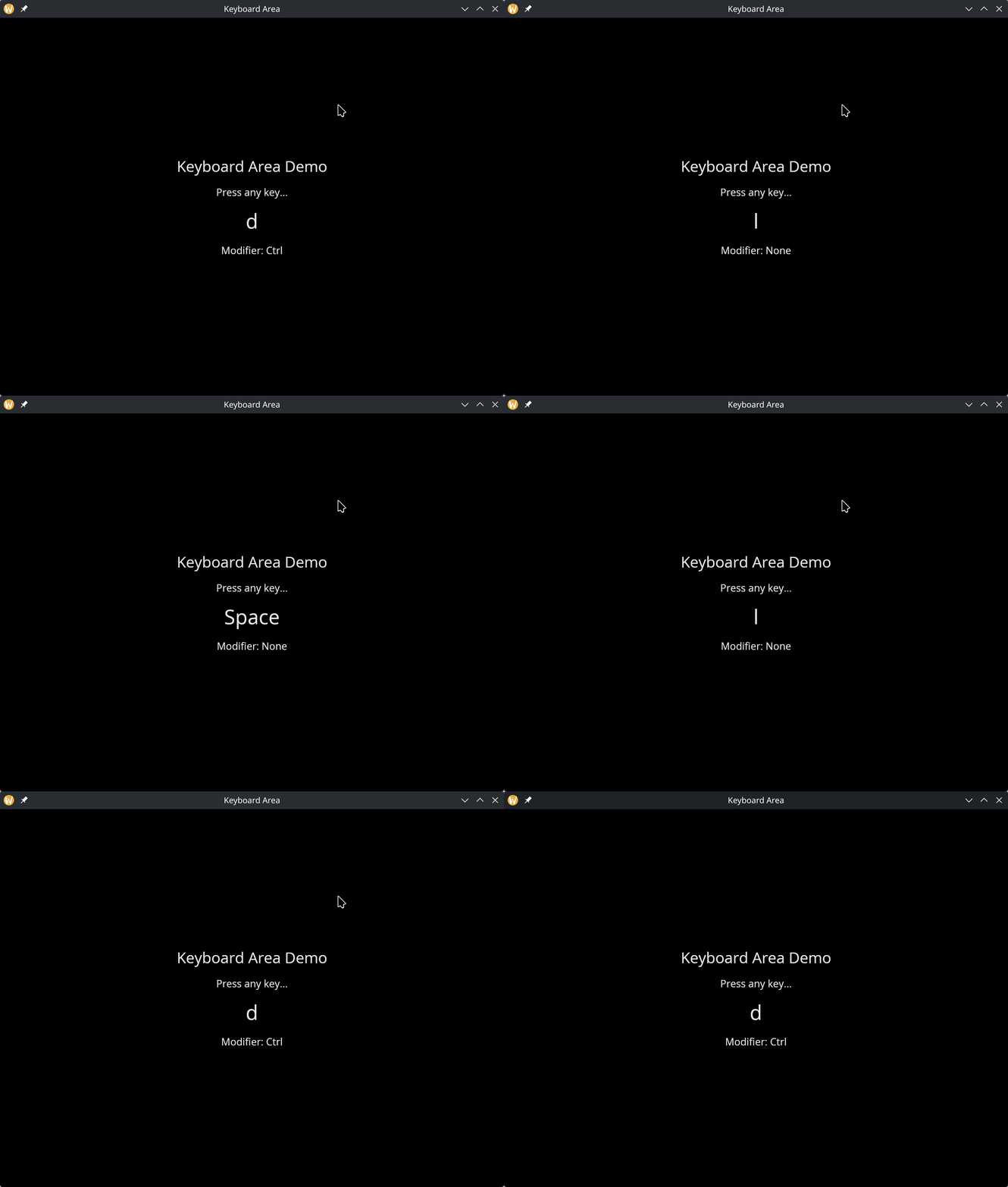
let last_key = "None";
let mod_name = "None";

[&window(
    #icon: &icon::icon,
    #title: &"Keyboard Area",
    &keyboard_area(
        #on_key_press: |e| {
            last_key <- e.key;
            mod_name <- select e.modifiers {
                { ctrl: true, .. } => "Ctrl",
                { shift: true, .. } => "Shift",
                { alt: true, .. } => "Alt",
                { logo: true, .. } => "Logo",
                _ => "None"
            }
        },
        &container(
            #width: &`Fill,
            #height: &`Fill,
            #halign: &`Center,
            #valign: &`Center,
            &column(
                #spacing: &15.0,
                #halign: &`Center,
                &[
                    text(#size: &24.0, &"Keyboard Area Demo"),
                    text(&"Click here, then press any key..."),
                    text(#size: &32.0, &last_key),
                    text(&"Modifier: [mod_name]")
                ]
            )
        )
    )
)]
See Also
- Mouse Area — mouse event capture
- Text Input — built-in text input handling