The Browser Widget
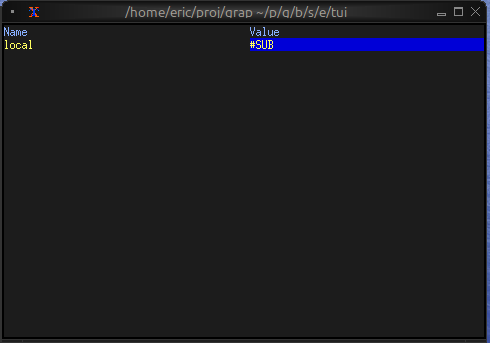
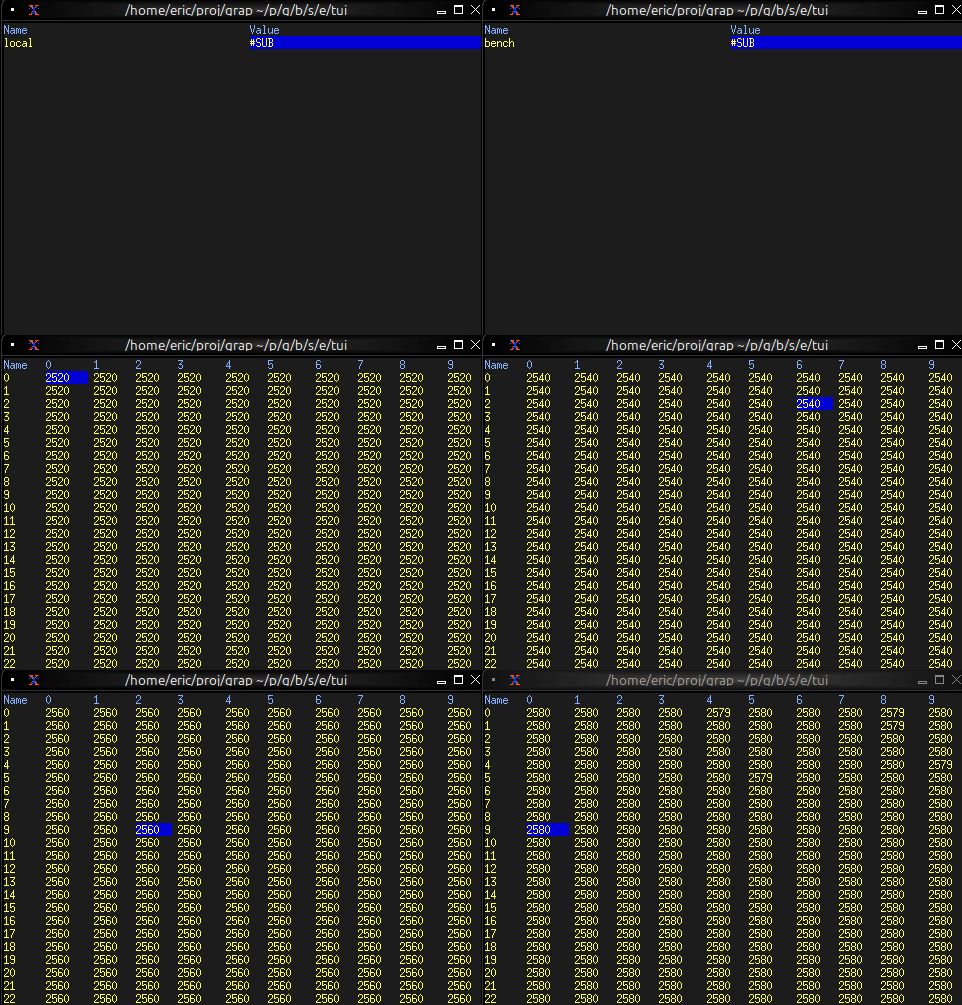
The browser widget provides a specialized interface for browsing and interacting with netidx hierarchies. It displays a table of one level’s children, one column per published column when the children are rows of a table, with selection and cursor movement support.
Interface
use super::{Constraint, Flex, line, Size, Style, style, Tui};
use sys::net;
use tui::table::{cell, row, table};

type MoveCursor = [
    `Left(i64),
    `Right(i64),
    `Up(i64),
    `Down(i64)
];

/// A netidx browser over `path`: a table of its children, with one
/// column per published column when the children are rows of a table.
/// The listing refreshes when `path` changes and about once a second,
/// so rows published later appear on the next refresh.
/// `#size` is the area the browser is drawn in, which sizes its
/// viewport (pass the enclosing block's `#size` output); `#cursor`
/// moves the selection. `#selected_row` is set to the selected row's
/// full path, and `#selected_path` to the selected cell's; each is null
/// while the listing is empty, and neither is set while a new path's
/// listing is on its way.
val browser: fn(
    ?#selected_style: Style,
    ?#header_style: Style,
    ?#style: Style,
    ?#cursor: MoveCursor,
    ?#selected_row: &mut [string, null],
    ?#selected_path: &mut [string, null],
    ?#flex: Flex,
    ?#rate: duration,
    #size: Size,
    path: string
) -> Tui;
Parameters
- path - The netidx path whose children are listed. The listing refreshes when
pathchanges and about once a second, so rows published later appear on the next refresh - cursor - Programmatic cursor movement:
Left(n),Right(n),Up(n),Down(n) - selected_row (output) - Full path of the selected row (e.g.
/t/r1), null while the listing is empty - selected_path (output) - Full path of the selected cell: the row in a list, the row and column in a table; null while the listing is empty
- size (input) - The area the browser is drawn in, which sizes its viewport; pass the enclosing block’s
#sizeoutput - rate - The most often a cell’s subscription updates the display (default
duration:0.5s) - flex - How the columns share leftover width (default
`SpaceBetween) - style, header_style, selected_style - Styles for the table, its header row and the selected cell
Examples
Basic Usage
use tui::{Size, block::block, browser::browser};

let selected_path: [string, null] = never();
let size: Size = never();

block(
    #border: &`None,
    #size: &mut size,
    &browser(
        #size,
        #selected_path: &mut selected_path,
        // Start browsing from root
        "/"
    )
)
Basic Navigation
use tui::{
  Size,
  block::block,
  browser::{MoveCursor, browser},
  input_handler::{Event, input_handler, on_press}
};

let path = "/";
let selected_path: [string, null] = never();
let selected_row: [string, null] = never();
let cursor: MoveCursor = never();
let size: Size = never();

let handle_event = |e: Event| on_press(e, |k| select k.code {
    e@ `Up => { cursor <- e ~ `Up(1); `Stop },
    e@ `Down => { cursor <- e ~ `Down(1); `Stop },
    e@ `Left => { cursor <- e ~ `Left(1); `Stop },
    e@ `Right => { cursor <- e ~ `Right(1); `Stop },
    e@ `Enter => { path <- (e ~ selected_row)$; `Stop },
    _ => `Continue
});

input_handler(
    #handle: &handle_event,
    &block(
        #border: &`None,
        #size: &mut size,
        &browser(
            #size,
            #cursor,
            #selected_path: &mut selected_path,
            #selected_row: &mut selected_row,
            path
        )
    )
)
Commands
A : command line beside the browser: :w <value> writes the value to
the selected path, and an error from the command shows in the bottom
title.
use tui::{
  Size, line, span, style,
  block::block,
  browser::{MoveCursor, browser},
  input_handler::{Event, KeyCode, input_handler, on_press}
};

let path = "/";
let command_error = "";
let selected_path: [string, null] = never();
let selected_row: [string, null] = never();
let cursor: MoveCursor = never();
let command_mode = false;
let command = "";

let run_command = |c: string, path: string| {
    catch(e) command_error <- "[(e.0).error]";
    select str::sub(#start:0, #len:2, c)? {
        "w " => {
            let v = str::sub(#start:2, #len:str::char_len(c) - 2, c)?;
            let v: Primitive = str::parse(v)?;
            sys::net::write(path, v)?
        },
        _ => error("invalid command [c]")?
    }
};

let title_style = style(#fg:`Indexed(202));
let title_bottom = select command_mode {
    true => line(#style:title_style, ":[command]"),
    false => {
        let spans = [
            span(select selected_path { null as _ => path, p => "[path] ([p])" }),
            span(#style:style(#fg:`Red), "  [command_error]")
        ];
        line(#style:title_style, spans)
    }
};

let handle_normal_mode_key = |e: KeyCode| -> [`Stop, `Continue] select e {
    e@ `Left => { cursor <- e ~ `Left(1); `Stop },
    e@ `Right => { cursor <- e ~ `Right(1); `Stop },
    e@ `Down => { cursor <- e ~ `Down(1); `Stop },
    e@ `Up => { cursor <- e ~ `Up(1); `Stop },
    e@ `Enter => { path <- (e ~ selected_row)$; `Stop },
    e@ `Backspace => select e ~ str::dirname(path) {
        null as _ => `Stop,
        s => {
            path <- s;
            `Stop
        }
    },
    k@ `Char(":") => {
        command <- k ~ "";
        command_error <- k ~ "";
        command_mode <- k ~ true;
        `Stop
    },
    _ => `Continue
};

let handle_command_mode_key = |e: KeyCode| -> [`Stop, `Continue] select e {
    `Char(c) => {
        command <- c ~ "[command][c]";
        `Stop
    },
    x@ `Enter => {
        command_mode <- x ~ false;
        run_command(x ~! command, (x ~! selected_path)$);
        `Stop
    },
    e@ `Backspace if command != "" => {
        let len = str::char_len(command) - 1;
        command <- e ~ str::sub(#start:0, #len, command)$;
        `Stop
    },
    k@ `Esc => {
        command_mode <- k ~ false;
        `Stop
    },
    _ => `Continue
};

let handle_event = |e: Event| on_press(e, |k| select k ~ command_mode {
    true => handle_command_mode_key(k.code),
    false => handle_normal_mode_key(k.code)
});

let size: Size = never();

let browser = browser(
    #cursor,
    #selected_row: &mut selected_row,
    #selected_path: &mut selected_path,
    #size,
    path
);

let block = block(
    #border:&`None,
    #title_bottom:&title_bottom,
    #style:&style(#bg:`Indexed(234)),
    #size:&mut size,
    &browser
);

input_handler(#handle: &handle_event, &block)