The Paragraph Widget
The paragraph widget displays multi-line text with automatic word wrapping and scrolling support. It’s ideal for displaying long text content, logs, or any content that needs to flow across multiple lines.
Interface
use super::{Alignment, Line, Style, style, Tui};
/// `scroll.y` is in lines and `scroll.x` is in chars, and x scrolls only
/// unwrapped text; `wrap` breaks long lines at the width, and `trim`
/// drops the leading whitespace of a wrapped line.
type Paragraph = {
  alignment: &[Alignment, null],
  lines: &[Array<Line>, string],
  scroll: &{ x: i64, y: i64 },
  style: &Style,
  trim: &bool,
  wrap: &bool
};

val paragraph: fn(
  ?#style: &Style,
  ?#alignment: &[Alignment, null],
  ?#scroll: &{x: i64, y: i64},
  ?#wrap: &bool,
  ?#trim: &bool,
  lines: &[Array<Line>, string]
) -> Tui;
Parameters
- scroll - Record with
xandyfields for scroll position - alignment -
Left,Center, orRight - wrap - Break long lines at the paragraph’s width (default: true);
scroll.xapplies only when this is false - trim - Trim leading whitespace when wrapping (default: true)
Examples
Basic Usage
use tui::paragraph::paragraph;

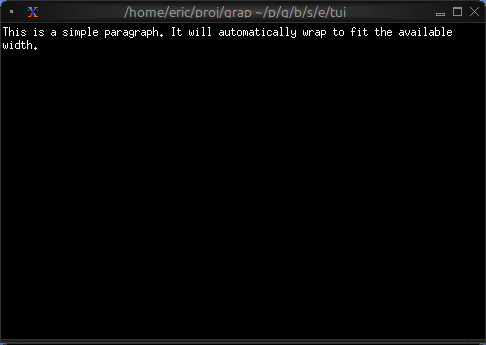
paragraph(&"This is a simple paragraph. It will automatically wrap to fit the available width.")
Scrollable Content
use tui::{
line,
block::block,
input_handler::{Event, input_handler, on_press},
paragraph::paragraph
};
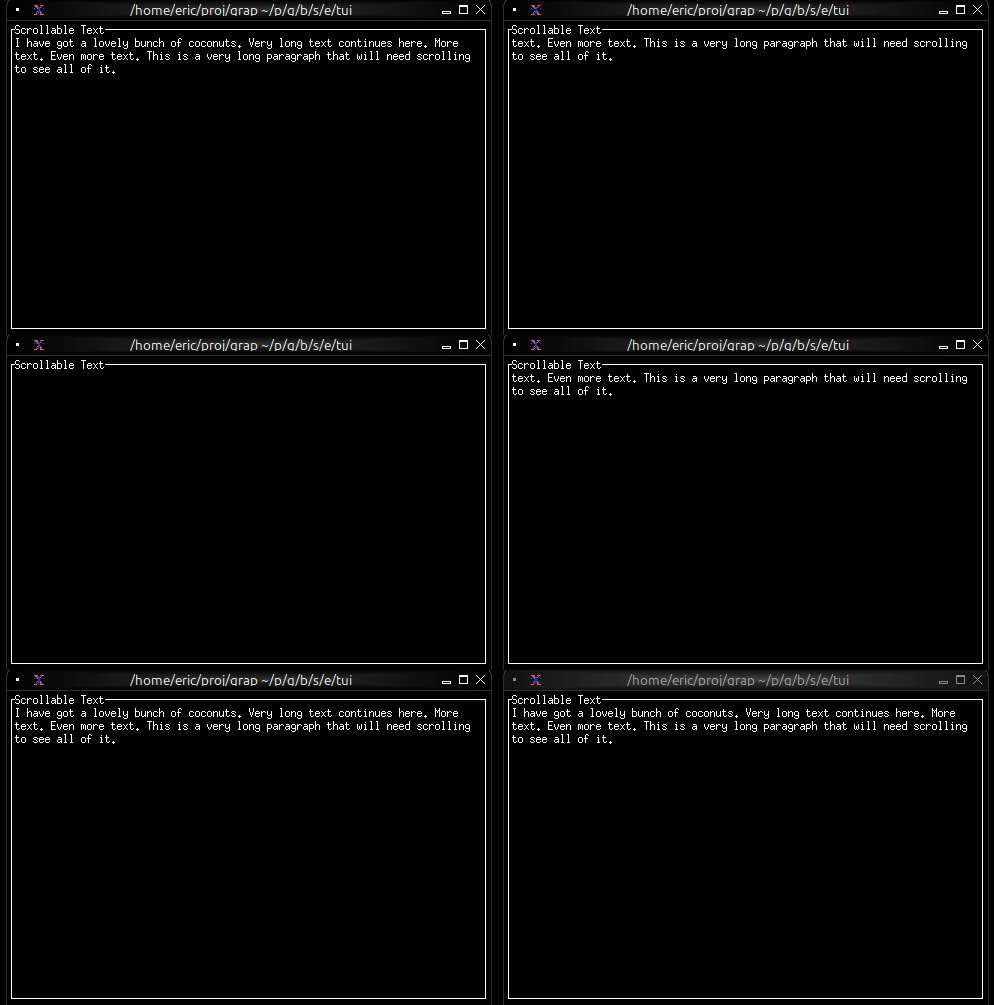
let lines = array::init(60, |i| line("[i + 1]: I have got a lovely bunch of coconuts"));
let scroll_y = 0;
let handle_event = |e: Event| on_press(e, |k| select k.code {
k@`Up if scroll_y > 0 => {
scroll_y <- (k ~ scroll_y) - 1;
`Stop
},
k@`Down if scroll_y < array::len(lines) - 1 => {
scroll_y <- (k ~ scroll_y) + 1;
`Stop
},
_ => `Continue
});
input_handler(
#handle: &handle_event,
&block(
#border: &`All,
#title: &line("Scrollable Text"),
¶graph(
#scroll: &{x: 0, y: scroll_y},
&lines
)
)
)
Live Log Viewer
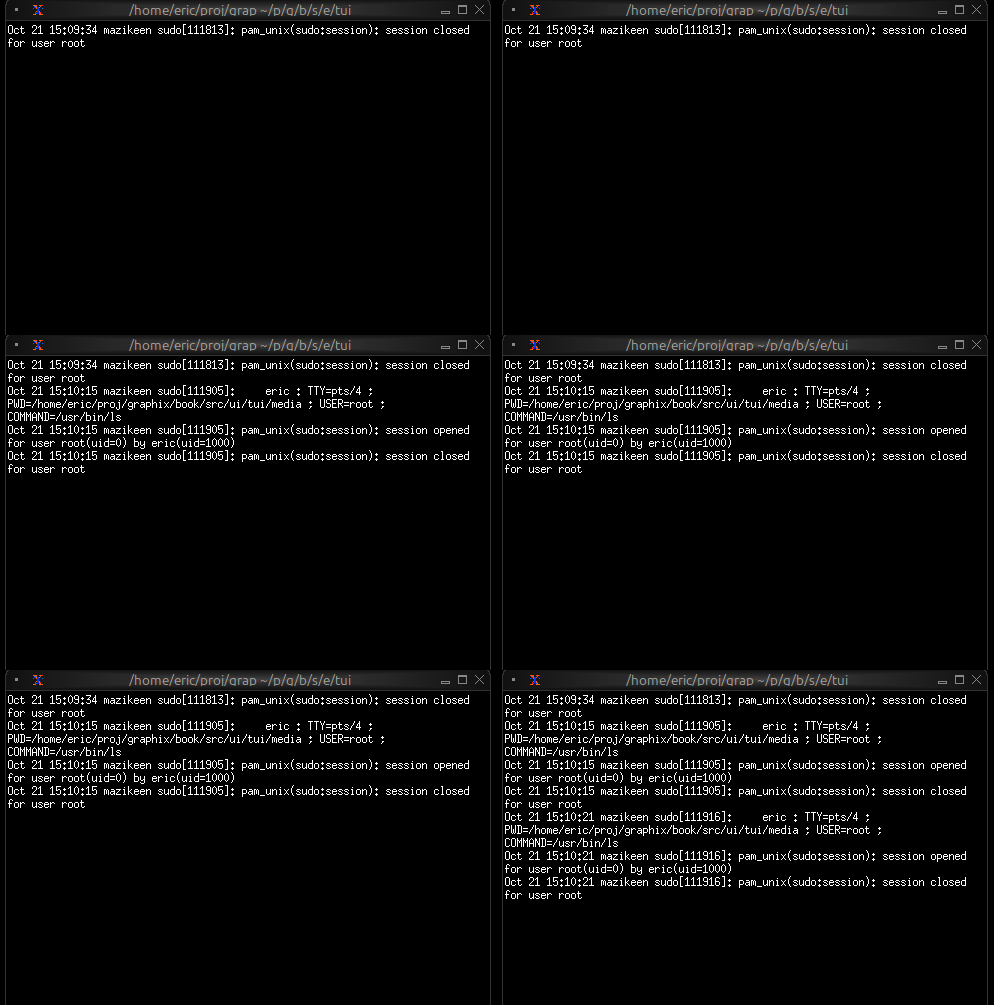
Display real-time updating content:
use tui::{Size, line, block::block, paragraph::paragraph};
use sys::time;
// Self-contained: publish a simulated log entry every second, then
// subscribe to display the rolling window. Drop the publish to point
// the viewer at any other string publisher.
let tick = time::timer(duration:1.s, true);
let n = count(tick);
let messages = [
"request handled",
"cache miss",
"user signed in",
"background job complete",
"config reloaded",
];
let log_source: string = never();
log_source <- tick ~ "[n] [rand::pick(tick ~ messages)]";
sys::net::publish("/local/graphix/paragraph_log_viewer/log", log_source);
let log_entries = [];
let new_entry: string = sys::net::subscribe("/local/graphix/paragraph_log_viewer/log")$;
log_entries <- array::window(
#n: 100,
new_entry ~ log_entries,
line(new_entry)
);
// follow the tail: scroll so the newest entry is on the bottom line
let size: Size = never();
block(
#border: &`None,
#size: &mut size,
¶graph(
#wrap: &false,
#scroll: &{x: 0, y: max(0, array::len(log_entries) - size.height)},
&log_entries
)
)
Centered Message
use tui::{line, style, paragraph::paragraph};

paragraph(
    #alignment: &`Center,
    &[
        line(""),
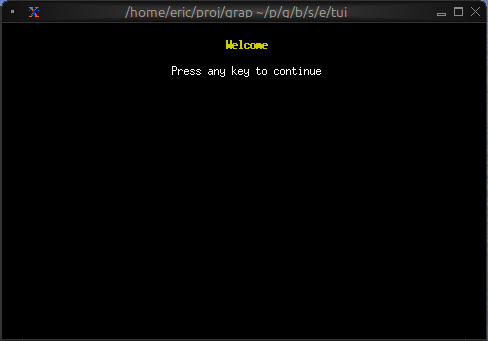
        line(#style: style(#fg: `Yellow, #add_modifier: [`Bold]), "Welcome"),
        line(""),
        line("Press any key to continue")
    ]
)
Word Wrapping
The paragraph widget automatically wraps long lines to fit the available width. Word boundaries are respected, so words won’t be split in the middle unless they’re longer than the available width.