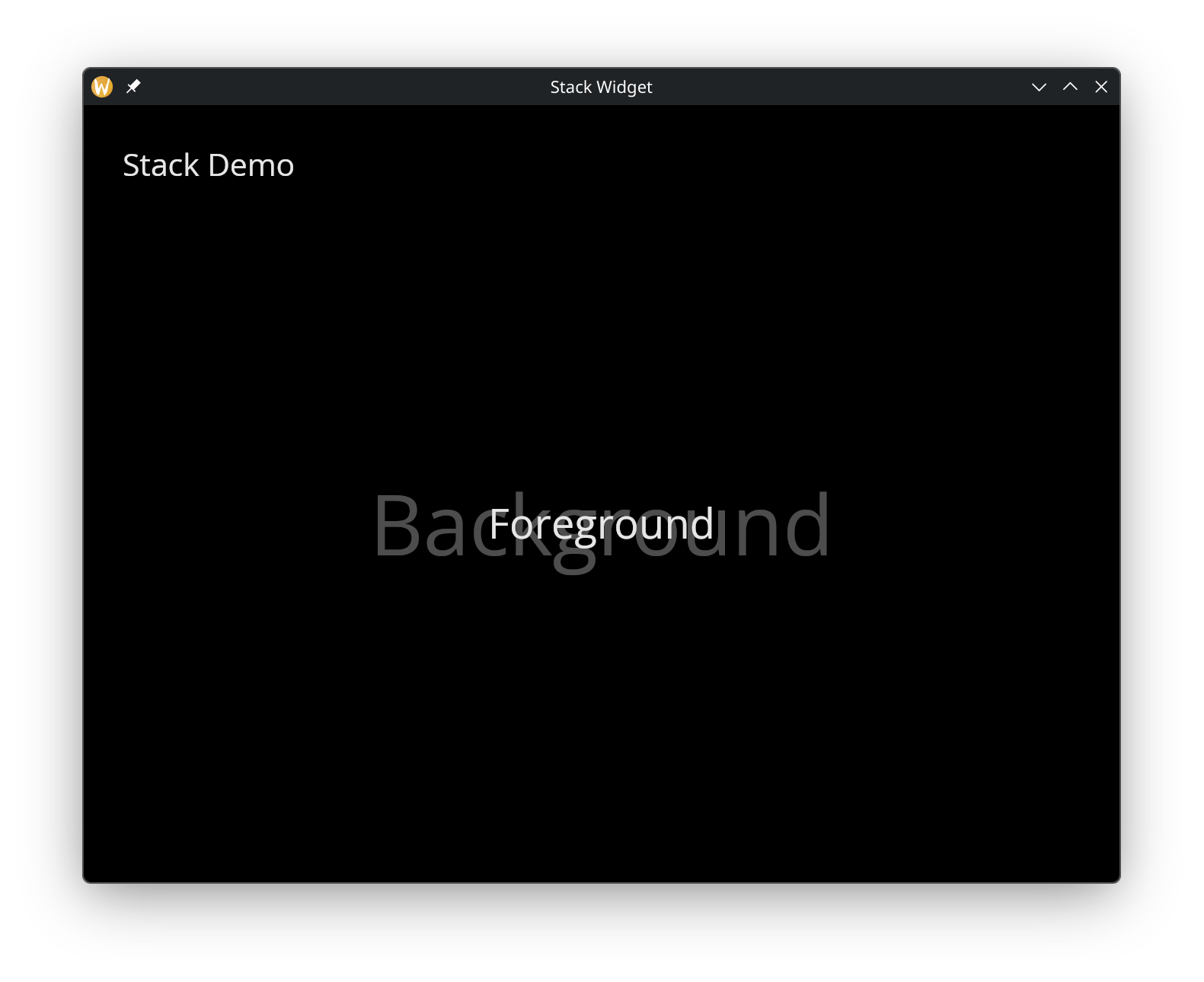
The Stack Widget
The stack widget layers children on top of each other. The first child is drawn at the bottom, and each subsequent child is drawn on top. This is useful for overlays, watermarks, or layered visual effects.
Interface
use super::{Length, Widget};
type Stack = {
  children: &Array<Widget>,
  width: &Length,
  height: &Length
};

val stack: fn(
  ?#width: &Length,
  ?#height: &Length,
  children: &Array<Widget>
) -> Widget
Parameters
- width — stack width
- height — stack height
The positional argument is a reference to an array of child widgets. Children are drawn in order, with later children appearing on top of earlier ones.
Examples
use gui::{
  color, window,
  column::column,
  container::container,
  stack::stack,
  text::text
};
mod icon;

[&window(
    #icon: &icon::icon,
    #title: &"Stack Widget",
    &column(
        #spacing: &15.0,
        #padding: &`All(30.0),
        #width: &`Fill,
        #height: &`Fill,
        &[
            text(#size: &24.0, &"Stack Demo"),
            stack(
                #width: &`Fill,
                #height: &`Fill,
                &[
                    container(
                        #width: &`Fill,
                        #height: &`Fill,
                        #halign: &`Center,
                        #valign: &`Center,
                        &text(#size: &64.0, #color: &color(#r: 0.3, #g: 0.3, #b: 0.3)$, &"Background")
                    ),
                    container(
                        #width: &`Fill,
                        #height: &`Fill,
                        #halign: &`Center,
                        #valign: &`Center,
                        &text(#size: &32.0, &"Foreground")
                    )
                ]
            )
        ]
    )
)]