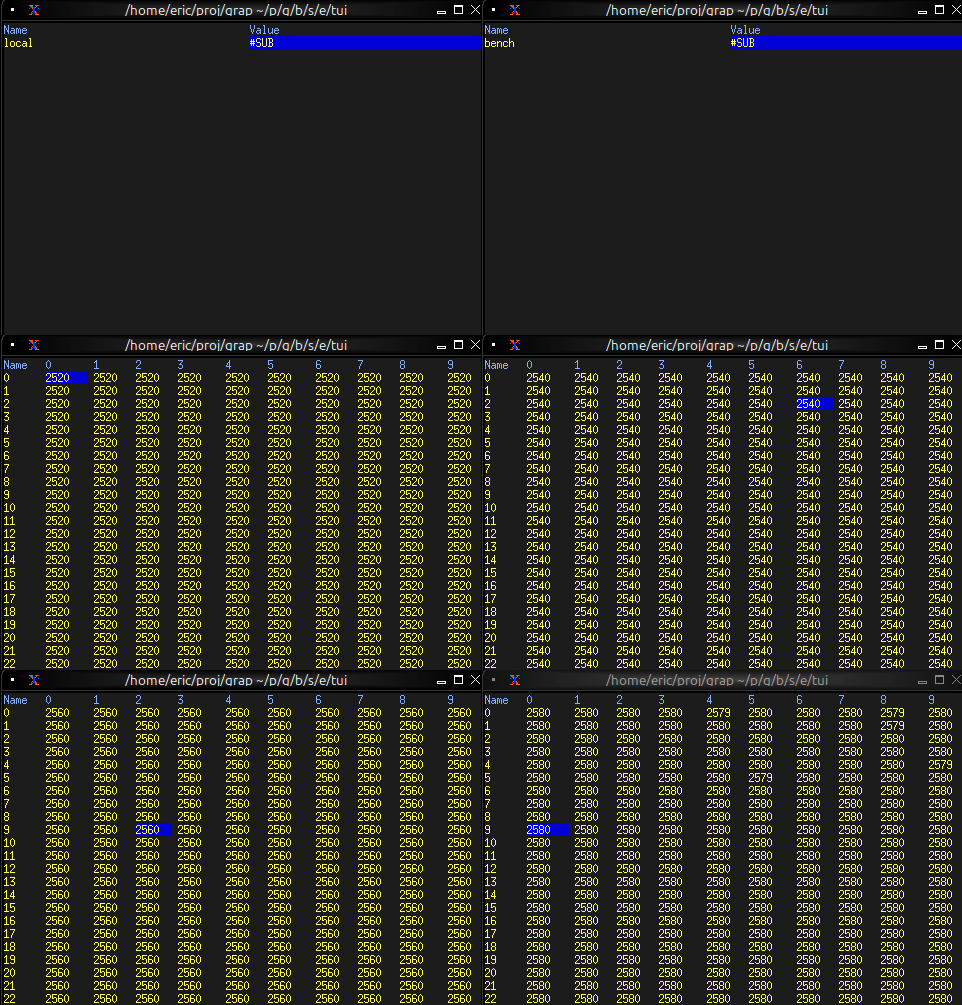
The Browser Widget
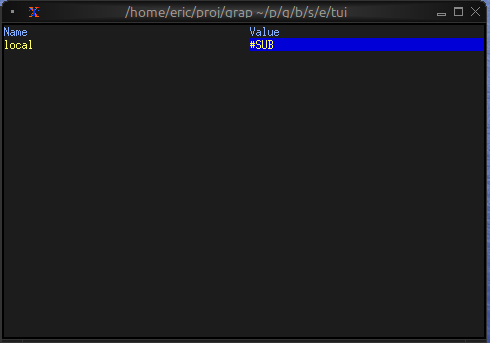
The browser widget provides a specialized interface for browsing and interacting with netidx hierarchies. It displays netidx paths in a tree structure with keyboard navigation, selection, and cursor movement support.
Interface
type MoveCursor = [
    `Left(i64),
    `Right(i64),
    `Up(i64),
    `Down(i64)
];

val browser: fn(
    ?#selected_style: Style,
    ?#header_style: Style,
    ?#style: Style,
    ?#cursor: MoveCursor,
    ?#selected_row: &string,
    ?#selected_path: &string,
    ?#flex: Flex,
    ?#rate: duration,
    #size: Size,
    string
) -> Tui throws Error<ErrChain<`ArithError(string)>>;
Parameters
- cursor - Programmatic cursor movement:
Left(n),Right(n),Up(n),Down(n) - selected_row (output) - Display name of the selected row
- selected_path (output, required) - Full path of the currently selected item
- size (output) - Rendered size of the browser
Examples
Basic Usage
use tui;
use tui::browser;

let selected_path: string = never();

browser(
    #size: {width: 40, height: 10},
    #selected_path: &selected_path,
    "/"  // Start browsing from root
)
Basic Navigation
use tui;
use tui::browser;
use tui::input_handler;

let path = "/";
let selected_path: string = never();
let selected_row: string = never();
let cursor: MoveCursor = never();

let handle_event = |e: Event| -> [`Stop, `Continue] select e {
    `Key(k) => select k.kind {
        `Press => select k.code {
            e@ `Up => { cursor <- e ~ `Up(1); `Stop },
            e@ `Down => { cursor <- e ~ `Down(1); `Stop },
            e@ `Left => { cursor <- e ~ `Left(1); `Stop },
            e@ `Right => { cursor <- e ~ `Right(1); `Stop },
            e@ `Enter => { path <- e ~ selected_row; `Stop },
            _ => `Continue
        },
        _ => `Continue
    },
    _ => `Continue
};

input_handler(
    #handle: &handle_event,
    &browser(
        #size: {width: 80, height: 24},
        #cursor,
        #selected_path: &selected_path,
        #selected_row: &selected_row,
        path
    )
)