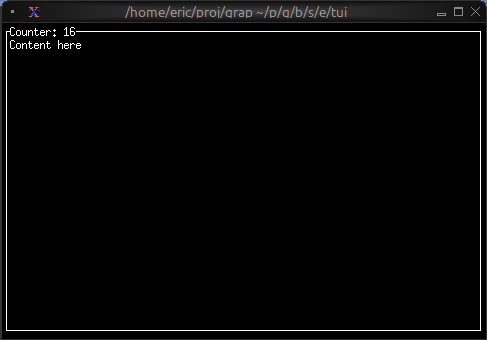
The Block Widget
The block widget is a container that wraps other widgets with optional borders, titles, and styling. It’s one of the most commonly used widgets for creating structured layouts and visually separating different sections of your TUI.
Interface
type Border = [
  `Top,
  `Right,
  `Bottom,
  `Left
];

type BorderType = [
  `Plain,
  `Rounded,
  `Double,
  `Thick,
  `QuadrantInside,
  `QuadrantOutside
];

type Padding = {
  bottom: i64,
  left: i64,
  right: i64,
  top: i64
};

type Position = [
  `Top,
  `Bottom
];

val block: fn(
  ?#border: &[Array<Border>, `All, `None, null],
  ?#border_type: &[BorderType, null],
  ?#border_style: &[Style, null],
  ?#padding: &[Padding, null],
  ?#style: &[Style, null],
  ?#title: &[Line, null],
  ?#title_top: &[Line, null],
  ?#title_bottom: &[Line, null],
  ?#title_style: &[Style, null],
  ?#title_position: &[Position, null],
  ?#title_alignment: &[Alignment, null],
  ?#size: &[Size, null],
  &Tui
) -> Tui;
Parameters
- border - Border style:
All,None,Top,Bottom,Left, orRight - border_style - Style for the border
- title - Line displayed at the top of the block
- title_bottom - Line displayed at the bottom of the block
- style - Style for the block’s interior
- size (output) - Rendered size of the block
Examples
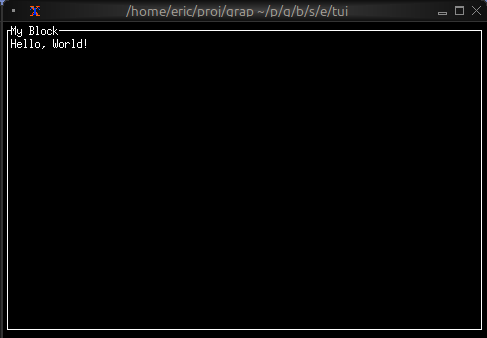
Basic Usage
use tui;
use tui::block;
use tui::paragraph;

let content = paragraph(&"Hello, World!");

block(
    #border: &`All,
    #title: &line("My Block"),
    &content
)
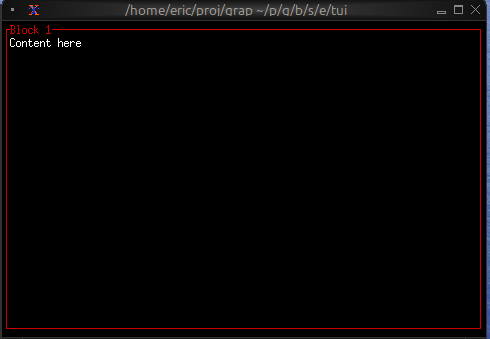
Focus Indication
Use dynamic styling to show which block has focus:
use tui;
use tui::block;
use tui::paragraph;

let focused_block = 0;
let content = paragraph(&"Content here");

block(
    #border: &`All,
    #border_style: &style(
        #fg: select focused_block {
            0 => `Red,
            _ => `Yellow
        }
    ),
    #title: &line("Block 1"),
    &content
)
Dynamic Titles
Titles can contain reactive values that update automatically:
use tui;
use tui::block;
use tui::paragraph;

let count = 0;
let timer = time::timer(duration:1.s, true);
count <- timer ~ (count + 1);

let content = paragraph(&"Content here");

block(
    #border: &`All,
    #title: &line("Counter: [count]"),
    &content
)