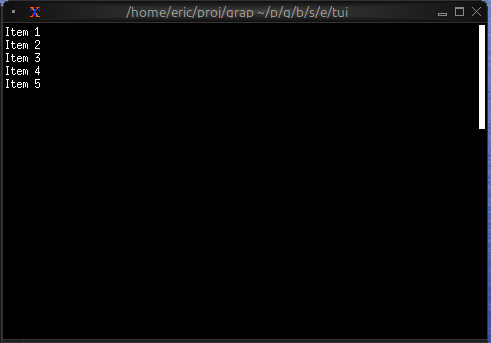
The Scrollbar Widget
The scrollbar widget adds a visual scrollbar indicator to scrollable content, making it clear when content extends beyond the visible area and showing the current scroll position.
Interface
type ScrollbarOrientation = [
  `VerticalRight,
  `VerticalLeft,
  `HorizontalBottom,
  `HorizontalTop
];

val scrollbar: fn(
  ?#begin_style: &[Style, null],
  ?#begin_symbol: &[string, null],
  ?#content_length: &[i64, null],
  ?#end_style: &[Style, null],
  ?#end_symbol: &[string, null],
  ?#orientation: &[ScrollbarOrientation, null],
  ?#position: &[i64, null],
  ?#size: &[Size, null],
  ?#style: &[Style, null],
  ?#thumb_style: &[Style, null],
  ?#thumb_symbol: &[string, null],
  ?#track_style: &[Style, null],
  ?#track_symbol: &[string, null],
  ?#viewport_length: &[i64, null],
  &Tui
) -> Tui;
Parameters
- position (required) - Current scroll position (typically the Y offset)
- content_length - Total length of the content (auto-detected if not specified)
- size (output) - Rendered size of the scrollbar area
Examples
Basic Usage
use tui;
use tui::scrollbar;
use tui::paragraph;

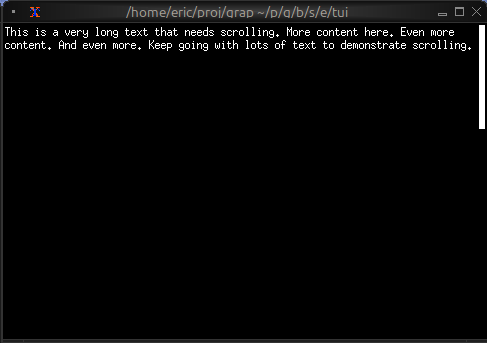
let long_text = "This is a very long text that needs scrolling. More content here. Even more content. And even more. Keep going with lots of text to demonstrate scrolling.";
let position = 0;
let content = paragraph(
    #scroll: &{x: 0, y: position},
    &long_text
);

scrollbar(
    #position: &position,
    &content
)
Scrollable Paragraph
use tui;
use tui::scrollbar;
use tui::paragraph;
use tui::block;
use tui::text;
use tui::input_handler;
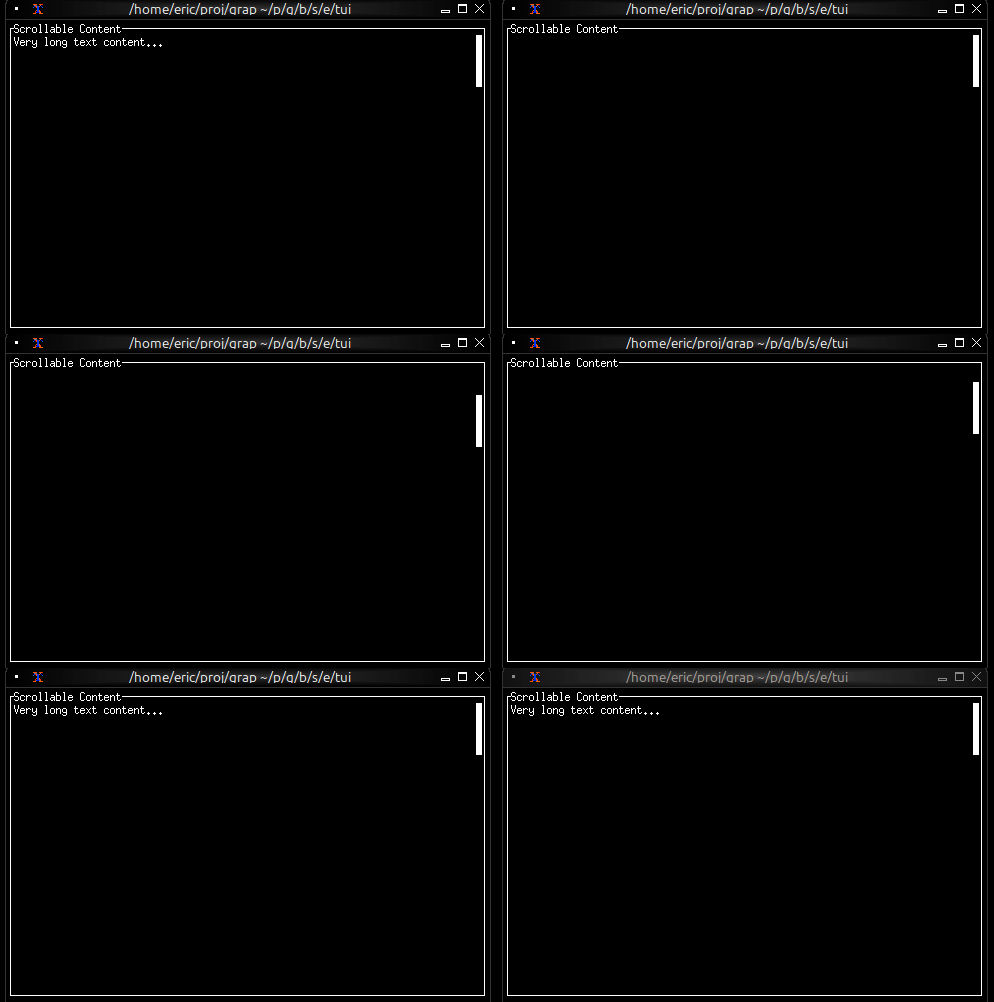
let long_text = "Very long text content...";
let position = 0;
let max_position = 100;
let handle_event = |e: Event| -> [`Stop, `Continue] select e {
`Key(k) => select k.kind {
`Press => select k.code {
k@`Up if position > 0 => {
position <- (k ~ position) - 1;
`Stop
},
k@`Down if position < max_position => {
position <- (k ~ position) + 1;
`Stop
},
k@`PageUp if position > 10 => {
position <- (k ~ position) - 10;
`Stop
},
k@`PageDown if position < (max_position - 10) => {
position <- (k ~ position) + 10;
`Stop
},
k@`Home => { position <- k ~ 0; `Stop },
k@`End => { position <- k ~ max_position; `Stop },
_ => `Continue
},
_ => `Continue
},
_ => `Continue
};
input_handler(
#handle: &handle_event,
&block(
#border: &`All,
#title: &line("Scrollable Content"),
&scrollbar(
#position: &position,
#content_length: &max_position,
¶graph(#scroll: &{x: 0, y: position}, &long_text)
)
)
)
Scrollable List
use tui;
use tui::scrollbar;
use tui::list;
use tui::text;

let items = [
    line("Item 1"),
    line("Item 2"),
    line("Item 3"),
    line("Item 4"),
    line("Item 5")
];
let selected = 0;
let scroll_pos = 0;
let visible = 10;

// Auto-scroll to keep selection visible
scroll_pos <- select selected {
    s if s < scroll_pos => s,
    s if s >= (scroll_pos + visible) => s - visible + 1,
    _ => never()
};

scrollbar(
    #position: &scroll_pos,
    &list(
        #scroll: &scroll_pos,
        #selected: &selected,
        &items
    )
)