The Paragraph Widget
The paragraph widget displays multi-line text with automatic word wrapping and scrolling support. It’s ideal for displaying long text content, logs, or any content that needs to flow across multiple lines.
Interface
val paragraph: fn(
  ?#style: &Style,
  ?#alignment: &[Alignment, null],
  ?#scroll: &{x: i64, y: i64},
  ?#trim: &bool,
  &[Array<Line>, string]
) -> Tui;
Parameters
- scroll - Record with
xandyfields for scroll position - alignment -
Left,Center, orRight - wrap - Enable/disable word wrapping (default: true)
Examples
Basic Usage
use tui;
use tui::paragraph;

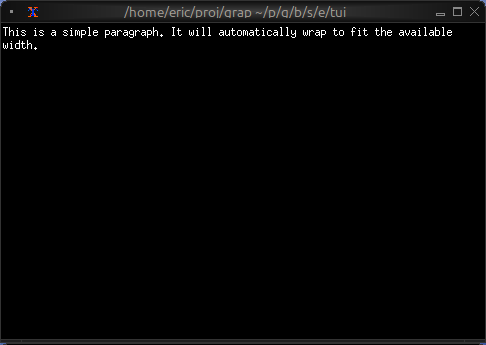
paragraph(&"This is a simple paragraph. It will automatically wrap to fit the available width.")
Scrollable Content
use tui;
use tui::paragraph;
use tui::block;
use tui::text;
use tui::input_handler;
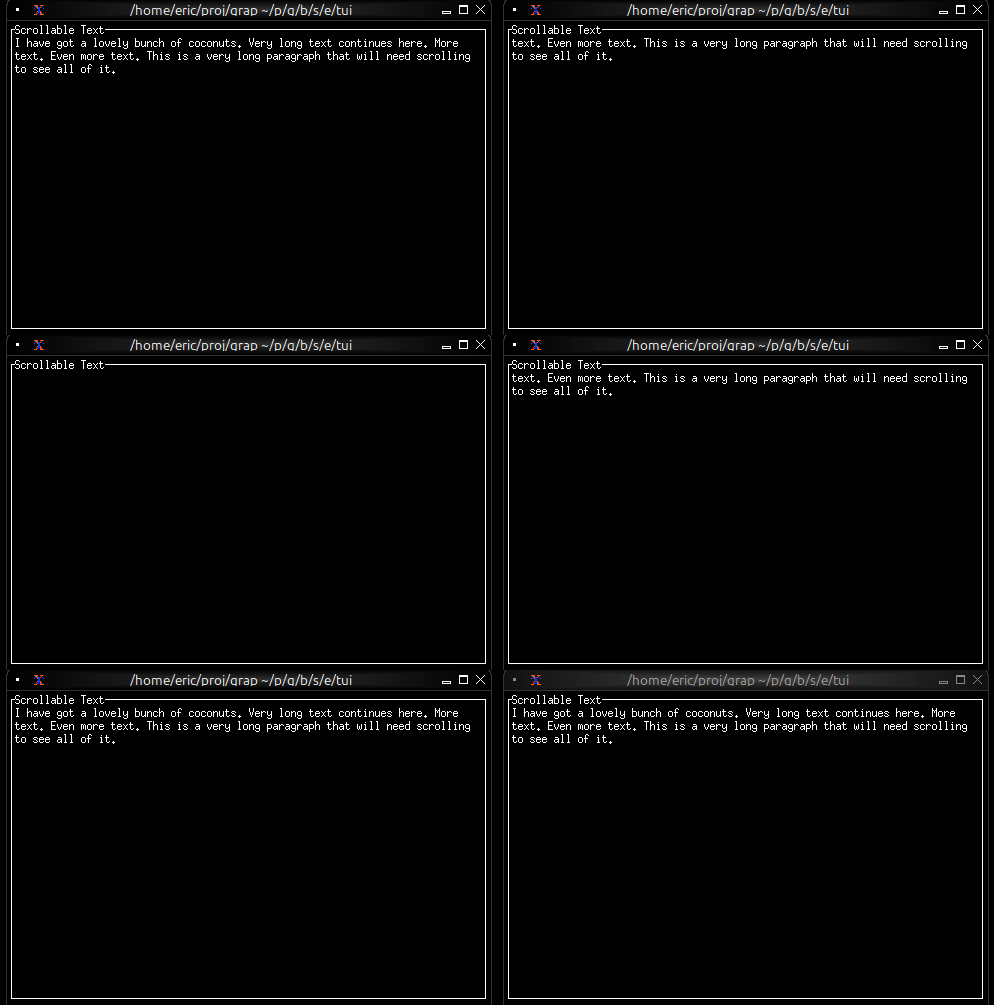
let long_text = "I have got a lovely bunch of coconuts. Very long text continues here. More text. Even more text. This is a very long paragraph that will need scrolling to see all of it.";
let scroll_y = 0;
let handle_event = |e: Event| -> [`Stop, `Continue] select e {
`Key(k) => select k.kind {
`Press => select k.code {
k@`Up if scroll_y > 0 => {
scroll_y <- (k ~ scroll_y) - 1;
`Stop
},
k@`Down if scroll_y < 100 => {
scroll_y <- (k ~ scroll_y) + 1;
`Stop
},
_ => `Continue
},
_ => `Continue
},
_ => `Continue
};
input_handler(
#handle: &handle_event,
&block(
#border: &`All,
#title: &line("Scrollable Text"),
¶graph(
#scroll: &{x: 0, y: scroll_y},
&long_text
)
)
)
Live Log Viewer
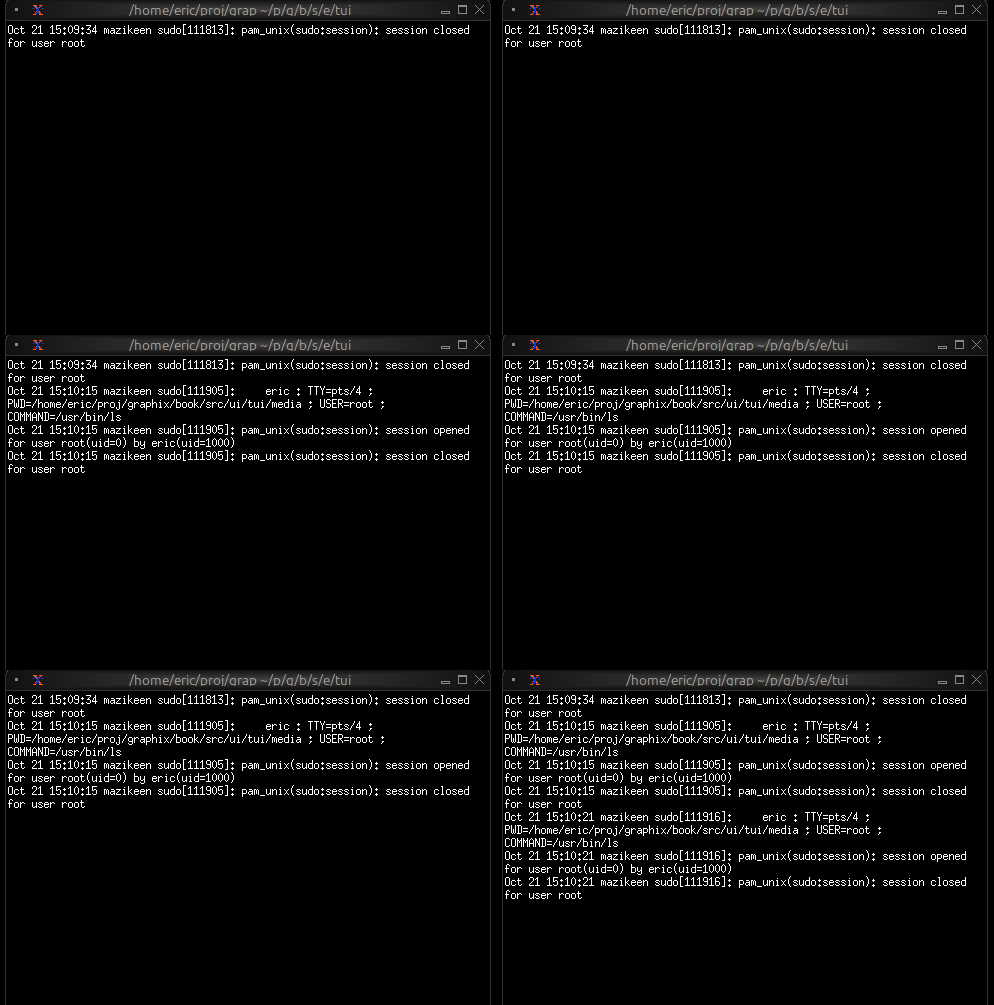
Display real-time updating content:
use tui;
use tui::paragraph;
use tui::text;

let log_entries = [];
let new_entry = net::subscribe("/local/logs/application")?;

log_entries <- array::window(
    #n: 100,
    new_entry ~ log_entries,
    line(cast<string>(new_entry)?)
);

paragraph(&log_entries)
Centered Message
use tui;
use tui::paragraph;
use tui::text;

paragraph(
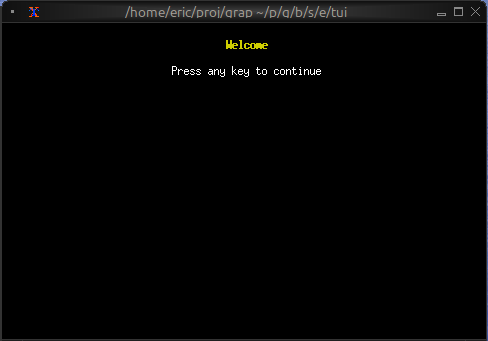
    #alignment: &`Center,
    &[
        line(""),
        line(#style: style(#fg: `Yellow, #add_modifier: [`Bold]), "Welcome"),
        line(""),
        line("Press any key to continue")
    ]
)
Word Wrapping
The paragraph widget automatically wraps long lines to fit the available width. Word boundaries are respected, so words won’t be split in the middle unless they’re longer than the available width.