The Text Widget
The text widget renders styled text in the terminal. It’s a fundamental building block for displaying formatted content with colors, modifiers, and multiple lines. Text is built from Line objects, which are in turn composed of Span objects.
Interface
val text: fn(
  ?#style: &Style,
  ?#alignment: &[Alignment, null],
  &[Array<Line>, string]
) -> Tui;
The text widget uses types from the style module including Style, Line, Span, Color, Modifier, and Alignment.
Text Hierarchy
- Span: A single segment of text with a single style
- Line: A collection of spans forming one line
- Text: A collection of lines forming multi-line content
Examples
Basic Usage
use tui;
use tui::text;

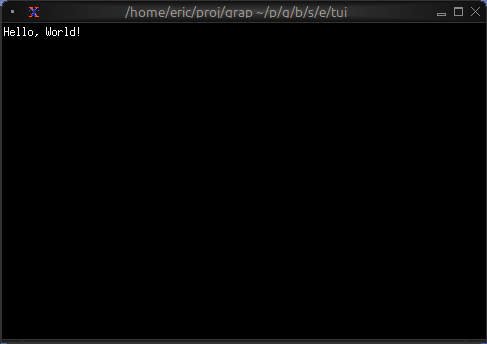
text(&"Hello, World!")
Status Messages
use tui;
use tui::text;

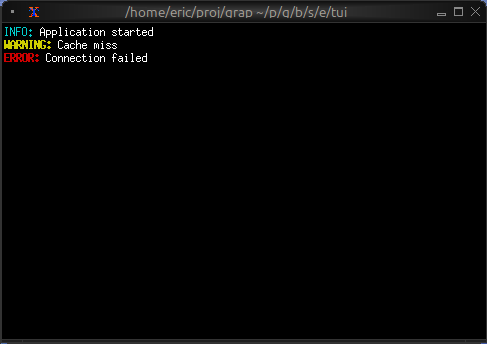
let make_status = |level, msg| select level {
    `Error => line([
        span(#style: style(#fg: `Red, #add_modifier: [`Bold]), "ERROR: "),
        span(msg)
    ]),
    `Warning => line([
        span(#style: style(#fg: `Yellow, #add_modifier: [`Bold]), "WARNING: "),
        span(msg)
    ]),
    `Info => line([
        span(#style: style(#fg: `Cyan), "INFO: "),
        span(msg)
    ])
};

text(&[
    make_status(`Info, "Application started"),
    make_status(`Warning, "Cache miss"),
    make_status(`Error, "Connection failed")
])
Dynamic Colors
use tui;
use tui::text;

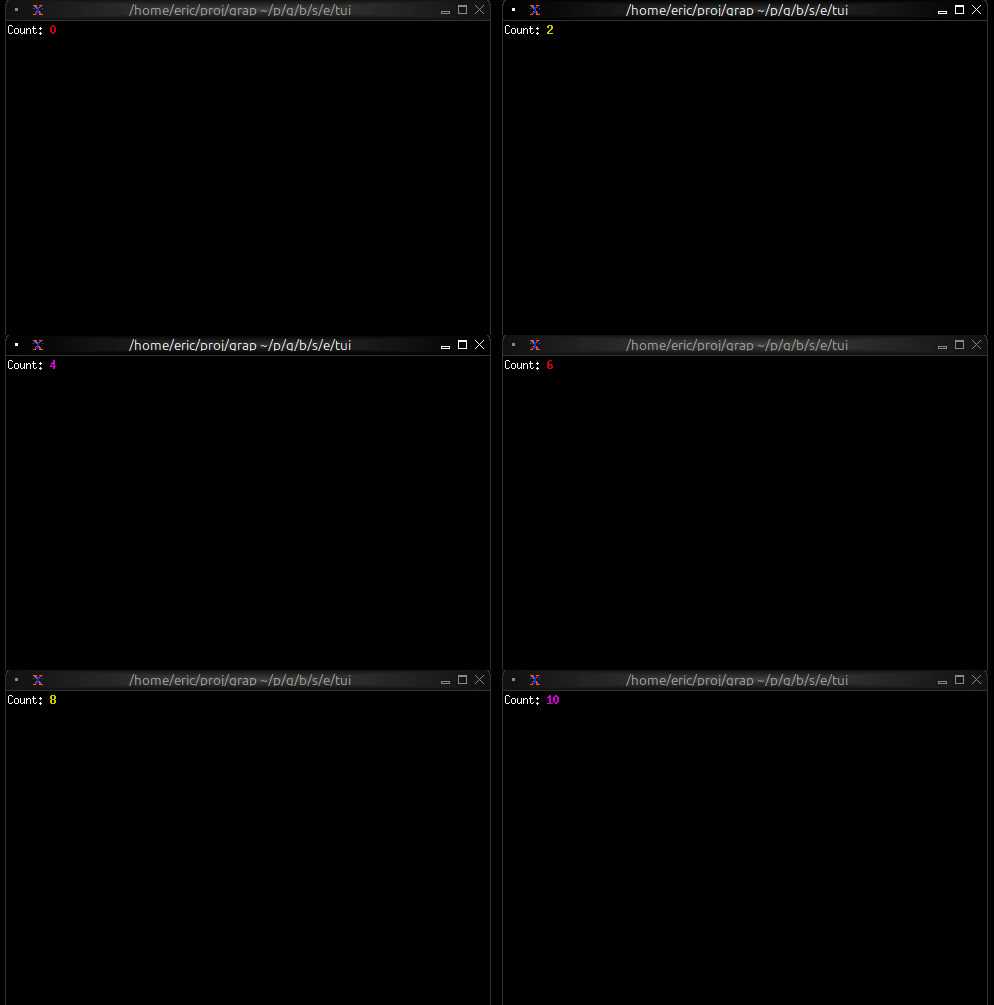
let count = 0;
let timer = time::timer(duration:1.s, true);
count <- timer ~ (count + 1);

let colors = [`Red, `Green, `Yellow, `Blue, `Magenta, `Cyan];
let color = colors[count % array::len(colors)]$;

let l = line([
    span(#style: style(#fg: `White), "Count: "),
    span(#style: style(#fg: color, #add_modifier: [`Bold]), "[count]")
]);

text(&[l])
Alignment
use tui;
use tui::text;

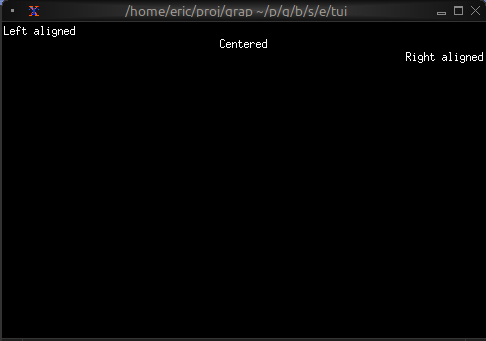
text(&[
    line(#alignment: `Left, "Left aligned"),
    line(#alignment: `Center, "Centered"),
    line(#alignment: `Right, "Right aligned")
])
Color Support
- Named colors:
Red,Green,Blue,Yellow,Magenta,Cyan,White,Black,Gray,DarkGray, andLight*variants - Indexed colors:
Indexed(202)for 256-color palette - RGB colors:
Rgb({r: 255, g: 100, b: 50})for true color
Text Modifiers
Bold,Italic,Underlined,CrossedOutSlowBlink,RapidBlink(terminal support varies)Reversed,Hidden